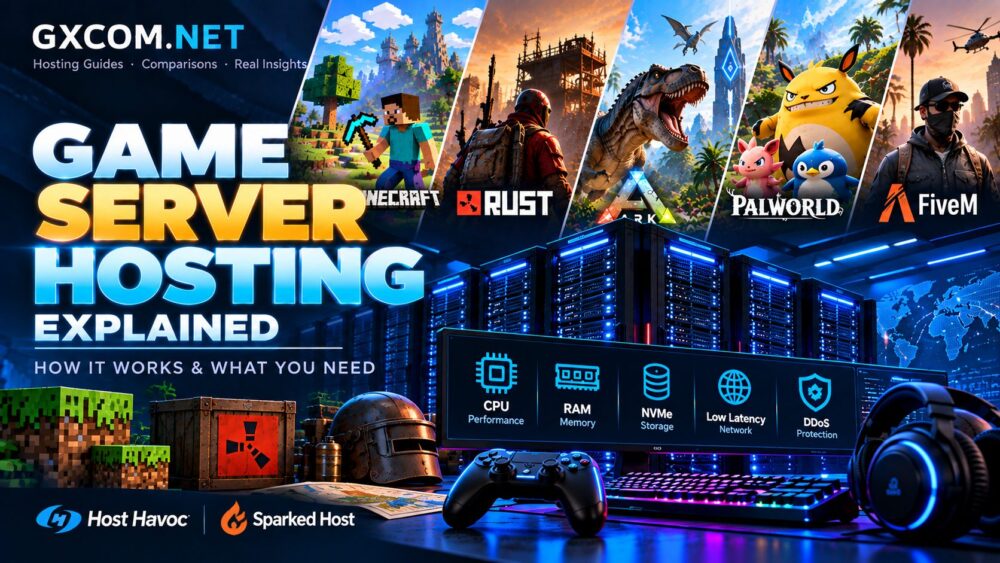
Game server hosting allows players to create persistent multiplayer worlds without relying on one person's computer. Whether you play Minecraft, Rust, ARK, or another multiplayer game, a hosted server can provide greater control over your gaming experience.
However, not every hosting solution works the same way. CPU performance, memory, storage, network quality, and server management all affect the experience.
This game server hosting explained guide covers how hosting works, the main server types, essential hardware requirements, and what to consider before choosing a provider.
What Is Game Server Hosting?
Game server hosting is a service that runs multiplayer game software on a remote server. Players connect to that server through the internet rather than depending on a player's local computer.
The server manages the shared game world. It processes player actions, updates the game state, and communicates changes to connected players.
Depending on the game, the server may also manage inventories, buildings, creatures, plugins, and world saves.
Hosted servers are useful for:
- Private multiplayer sessions with friends.
- Persistent Minecraft survival worlds.
- Rust communities with custom rules.
- ARK servers with customized settings.
- Public gaming communities requiring administrative control.
Unlike ordinary website hosting, game hosting must handle frequent real-time interactions. This makes processor performance and network stability especially important.
How Does Game Server Hosting Work?
A game hosting provider operates the physical infrastructure. Its servers run the game software and remain connected to the internet.
When players join, their clients communicate with the hosted game server. The server processes actions and sends updated information back to players.
A typical setup involves five steps:
- Select a supported game and hosting plan.
- Choose a server location near your players.
- Configure the game version and server settings.
- Set permissions, backups, and security options.
- Share the connection details with your community.
Managed game hosting often includes a control panel for common tasks. These may include restarting the server, changing settings, and managing files.
Self-managed hosting offers more flexibility but requires additional technical knowledge.
Types of Game Server Hosting
Managed Game Server Hosting
Managed game hosting is often the simplest option for beginners. The provider supplies a hosting environment designed for a specific game.
Users typically manage their servers through a browser-based panel. Installation, updates, and basic configuration may be simplified.
This option suits players who want to spend more time gaming and less time managing infrastructure.
Gaming VPS Hosting
A virtual private server provides an isolated virtual environment with configurable resources.
A gaming VPS can support game servers when its CPU, memory, and network meet the game's requirements.
VPS hosting offers greater operating system control. However, users may need to install game software, configure firewalls, and manage updates themselves.

Remember that advertised virtual CPU counts do not always indicate dedicated processor capacity.
Dedicated Game Servers
A dedicated server assigns an entire physical machine to one customer.
This approach may suit demanding multiplayer communities, multiple game instances, or workloads requiring predictable hardware access.
Explore our game dedicated servers category for hardware-focused guidance.
Dedicated hardware provides flexibility, but unmanaged systems require more administration. Larger specifications alone do not guarantee better gameplay.
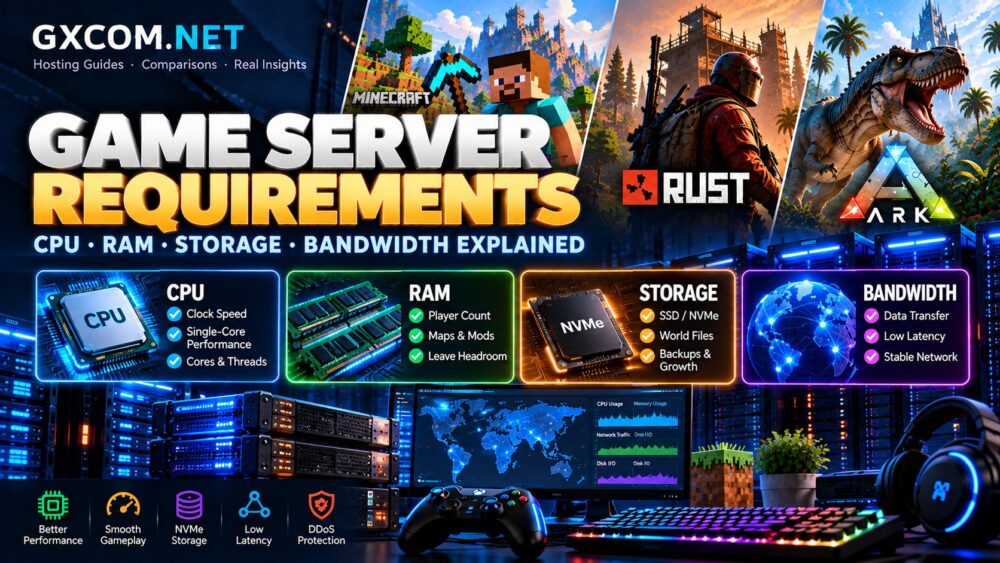
What Hardware Do Game Servers Need?
CPU Performance
CPU performance affects game simulation, player interactions, and server responsiveness.
Some game workloads depend heavily on single-thread performance. Others benefit from additional cores for background processes and multiple instances.
Compare processor generation, clock speed, and actual resource allocation. Avoid choosing a plan based only on core count.
RAM Capacity
RAM holds active game data and supports the server's operating environment.
Memory requirements depend on the game, player count, world complexity, and installed modifications.
Modded Minecraft and heavily customized servers may need more memory than basic configurations.
Choose enough RAM for normal operation and reasonable growth. Excess memory will not automatically solve CPU or network bottlenecks.
SSD and NVMe Storage
Fast storage can improve world loading, save operations, and access to game files.
NVMe storage may help workloads with frequent disk activity. However, storage performance depends on more than the advertised interface.
Check available capacity, backup arrangements, and storage reliability.
Network Latency and Bandwidth
Network latency influences how quickly information travels between players and the server.
Choose a data center close to most players whenever possible. Geographic distance, routing quality, and congestion can affect response times.
Bandwidth capacity and monthly traffic allowances also matter. A fast advertised port does not guarantee consistently low latency.
DDoS Protection
Public game servers can attract disruptive traffic attacks.
Look for game-compatible DDoS mitigation, clear protection limits, and reliable incident support.
Protection capabilities vary between providers and locations. Verify what is included before purchasing.
Game Server Hosting Requirements by Game
Different games place different demands on hosting infrastructure.
| Game | Important Factors | Common Hosting Considerations |
|---|---|---|
| Minecraft | CPU speed, RAM, plugins | Java, Bedrock, and modpack compatibility |
| Rust | CPU, memory, network stability | Player capacity, maps, and DDoS protection |
| ARK | RAM, CPU, storage | Game edition, mods, and world complexity |
| Palworld | Memory, CPU, server updates | Supported versions and management tools |
These are planning factors, not universal hardware specifications. Requirements change with game versions, modifications, and community size.
For Minecraft-specific considerations, visit our Minecraft hosting resource center.
Choosing a Game Server Hosting Provider
The right provider depends on your game, technical experience, player locations, and management needs.
Before comparing plans, check game support, CPU resources, memory limits, backups, server locations, and upgrade options.
Two established game hosting platforms worth considering are Host Havoc and Sparked Host.
Host Havoc
Host Havoc offers game server hosting and dedicated infrastructure options.
It is worth examining when comparing managed game environments and more advanced hosting requirements.
Review current game availability, management features, server locations, and plan specifications before selecting a service.
Sparked Host
Sparked Host provides hosting for Minecraft and several other multiplayer games.
Its product range also includes VPS and dedicated server options.
Compare supported game editions, hardware allocations, management features, and backup policies for your intended workload.
Neither provider is automatically the best choice for every game. Match the actual service configuration to your requirements.
Managed Hosting vs Self-Hosting
Managed hosting reduces the technical work required to launch a server. It can be attractive for smaller communities and beginners.

Self-hosting on a VPS or dedicated machine provides more control over software and configuration.
However, administrators must handle security updates, troubleshooting, monitoring, and backups.
For more background on physical server management, read our dedicated server hosting guide.
Common Game Hosting Mistakes
- Choosing by price alone: Check renewal terms, hardware resources, and included features.
- Ignoring server location: A distant data center may increase latency.
- Buying unnecessary resources: Match capacity to the actual workload.
- Skipping backups: Protect world files before updates or configuration changes.
- Overlooking administration: Understand who manages software, security, and troubleshooting.
Frequently Asked Questions
Do I need a dedicated server for multiplayer gaming?
No. Small communities can often use managed hosting or a suitable VPS. Dedicated hardware becomes more relevant as resource demands increase.
Can I host a game server on a VPS?
Yes, if the game supports the operating environment and the VPS provides sufficient resources. Administrative access and network configuration may be required.
Does more RAM always improve game server performance?
No. Additional RAM helps when memory is insufficient. CPU limitations, storage delays, and network issues require different solutions.
Final Thoughts
Understanding game server hosting makes it easier to select infrastructure that fits your community.
Start with the game, expected player count, and required features. Then evaluate CPU performance, RAM, storage, network quality, and management responsibilities.
Managed hosting is often convenient for beginners. VPS and dedicated servers offer more control when the workload justifies it.
Choose the solution that meets your actual needs rather than simply buying the largest advertised configuration.