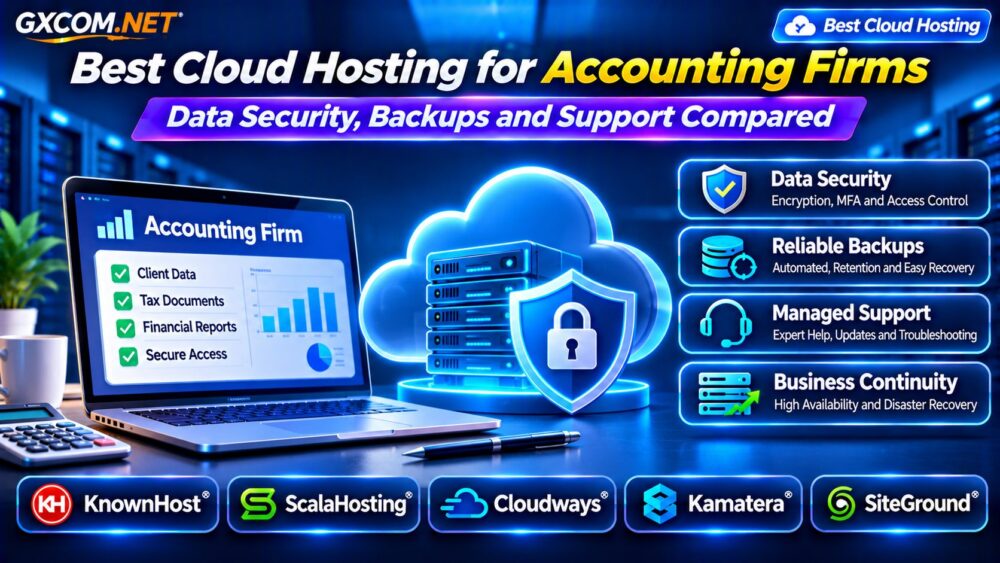
Accounting firms handle confidential client information, tax documents, payroll records, and financial reports. Choosing the best cloud hosting for accounting firms therefore requires more than comparing processor specifications or promotional prices. Security responsibilities, reliable backups, access controls, and responsive support matter just as much as raw performance.
Not every cloud hosting plan is suitable for every accounting workload. A public WordPress website, a secure document portal, and a Windows-based accounting application have different technical and licensing requirements. This guide explains what to evaluate and compares five infrastructure providers worth considering.
What Does an Accounting Firm Need From Cloud Hosting?
Begin by identifying the applications you intend to host. A marketing website may require managed WordPress hosting, while a custom client portal may need separate databases, restricted access, and more detailed logging.
Desktop accounting software may require compatible Windows infrastructure, application licenses, and specialist support. Do not assume that a generic Linux cloud server can host it.
Document your data locations, expected users, busiest reporting periods, and the person responsible for server administration before requesting quotations.
Data Security: Encryption, MFA and Access Controls
Accounting information deserves carefully controlled access. Look for encrypted connections, appropriate encryption at rest, multifactor authentication, and role-based permissions. Separate administrator accounts from everyday staff accounts, and remove access promptly when employees leave.
Hosting providers secure parts of their infrastructure, but customers remain responsible for application configuration, user permissions, and handling confidential files. Ask whether audit logs are available, how privileged access works, and who manages operating system updates.
A hosting company’s security features alone do not establish compliance with every applicable privacy, professional, or financial-data requirement. Obtain contractual and technical evidence relevant to your jurisdiction.
Backup Frequency and Recovery Testing
Automated backups are essential, but the backup schedule must match the firm’s acceptable data-loss window. A nightly backup may be inadequate for a portal receiving important uploads throughout the business day.
Check whether backups are stored separately from production, how long versions are retained, and whether accidental deletion or ransomware could affect backup copies. Where appropriate, consider immutable or otherwise protected backup storage.
Test restoration before relying on a plan. Confirm whether recovering one file, a database, or an entire server requires different procedures and fees.
Understanding RPO and RTO
Recovery Point Objective, or RPO, defines the maximum acceptable age of restored data. Recovery Time Objective, or RTO, defines the targeted time to restore operations after disruption.

For example, a four-hour RPO and eight-hour RTO describe planning targets, not promises automatically included with cloud hosting. Confirm what the provider actually guarantees and which recovery tasks your own team must perform.
For additional infrastructure planning, see our High-Availability Cloud Servers Guide.
Business Continuity During Tax Season
Tax deadlines can create sharp increases in website visits, document uploads, and staff activity. Monitor resource utilization and test important workflows before peak periods.
Availability also depends on DNS, databases, authentication services, and external integrations. A backup alone does not make an application highly available.
If extended downtime would materially disrupt clients, consider redundant infrastructure and documented failover procedures. Balance the additional cost against the impact of interrupted operations.
Five Cloud Hosting Providers to Compare
1. KnownHost: Managed Infrastructure and Support
KnownHost is worth evaluating when an accounting practice wants hosting assistance rather than full responsibility for server maintenance. Compare its managed hosting and VPS options against your application’s operating system, storage, and administrative needs.
Ask which security updates, backups, migrations, and application issues are included. The precise management scope matters more than the word managed in a product name.
2. ScalaHosting: Managed VPS and Resource Separation
ScalaHosting may suit practices seeking managed VPS resources for websites or custom business applications. Evaluate CPU and memory allocation, account isolation, control-panel access, and backup options.
A separate VPS can provide stronger workload boundaries than placing unrelated clients in one shared account, although secure application configuration remains necessary.
3. Cloudways: Managed Cloud for Websites and Portals
Cloudways is a candidate for firms running supported web applications, particularly WordPress or PHP-based sites. Examine staging, backups, access management, and the selected cloud server’s resources.
Verify whether your specific client portal and database architecture are supported. Do not assume Cloudways is a turnkey host for desktop accounting software.
4. Kamatera: Configurable Cloud Servers
Kamatera can appeal to IT teams requiring control over virtual server specifications and deployment choices. Compare operating system availability, storage, networking, and support arrangements.
Greater flexibility also creates responsibility for hardening, patching, monitoring, and recovery unless those duties are covered by a purchased management service.
5. SiteGround: Managed Websites and Cloud Options
SiteGround is relevant to accounting firms primarily hosting WordPress websites or related web properties. Review its eligible cloud plans, website management tools, backups, and collaborator permissions.
For confidential client portals, assess application security and data handling separately rather than treating standard website hosting as a complete compliance solution.
Explore more infrastructure choices in our Managed Cloud Hosting Comparison.
How to Compare Total Hosting Costs
The monthly server price is only one component. Add backup storage, monitoring, security tools, management services, migration work, and any software licensing.
Suppose a hypothetical firm spends $65 monthly on hosting, $15 on protected backups, and $20 on monitoring and support tools. Its estimated infrastructure expense becomes $100 monthly, or $1,200 annually, before labor and taxes. These are illustrative amounts, not live provider prices.
A cheaper unmanaged server may cost more overall if the firm must hire external administrators or recover from avoidable downtime.
Compare service models in our Managed vs Unmanaged VPS Guide.

Questions to Ask Before Purchasing
Request written answers about data location, access logs, backup retention, restoration assistance, incident notification, and contract termination. Ask whether the firm can export its data in usable formats and migrate without excessive disruption.
Confirm support hours, escalation channels, and whether response targets are contractual. Also review the shared-responsibility model: who fixes an operating system problem, a compromised plugin, or a failed application update?
For a broader shortlist, review our Best Cloud Hosting Solutions.
Frequently Asked Questions
Is Cloud Hosting Secure Enough for Accounting Firms?
It can support secure operations when the infrastructure, applications, access controls, contracts, and internal processes meet the firm’s requirements. No hosting brand alone guarantees compliance.
Can Ordinary Cloud Hosting Run QuickBooks Desktop?
Not automatically. Check Windows compatibility, software licensing, remote access, and vendor support before purchasing.
Should Accounting Firms Choose Managed Cloud Hosting?
Managed services may reduce operational workload, but firms must still understand which security and recovery tasks remain their responsibility.
Final Verdict
The best cloud hosting for accounting firms depends on the actual workload, confidentiality requirements, recovery objectives, and available technical expertise. KnownHost and ScalaHosting merit consideration for managed infrastructure; Cloudways and SiteGround fit many website-focused use cases; Kamatera offers configurable server options.
Compare plan-specific features, written support responsibilities, and full operating costs before making a decision. Protecting client data and restoring services reliably should take priority over headline discounts.