Finding worthwhile dedicated server deals for Proxmox requires more than choosing a machine with the most CPU cores. A virtualization host must balance available RAM, storage performance, network capacity, and operational expenses. An inexpensive server can become costly when memory shortages limit virtual machine density or backups require additional infrastructure.
Whether you operate business applications, development environments, private cloud services, or customer VPS instances, this guide explains how to evaluate Proxmox hardware and calculate realistic hosting costs before renting dedicated infrastructure.
Why Choose a Dedicated Server for Proxmox?
Proxmox Virtual Environment combines KVM virtual machines and LXC containers within a virtualization management platform. Dedicated hardware provides direct control over resource allocation, storage configuration, networking, and host administration.
Unlike ordinary VPS hosting, a dedicated machine can provide predictable access to assigned physical resources. However, administrators must manage security, monitoring, backups, and recovery procedures.
Review our Dedicated Server Hosting Guide before choosing between managed and self-managed infrastructure.
How Much RAM Does a Proxmox Server Need?
Memory is frequently the main constraint on virtualization density. Each VM needs guest memory, while Proxmox, storage services, and the underlying operating system require additional capacity.
Consider a hypothetical server with 128GB RAM. If 16GB is reserved for host operations and storage overhead, approximately 112GB remains for guest workloads.
At 4GB per VM, that theoretical allocation supports 28 machines. Actual production capacity may be lower because applications have different memory requirements and administrators need safety margins.
| Installed RAM | Typical Planning Focus |
|---|---|
| 64GB | Small virtualization environments |
| 128GB | Multiple business applications |
| 256GB | Higher-density VM hosting |
| 512GB+ | Large consolidated workloads |
These categories are planning examples, not guaranteed VM capacities. Verify memory upgrade costs and prefer ECC RAM when reliability requirements justify it.
CPU Cores, Threads and Overcommitment
Physical cores and logical threads are different resources. Simultaneous multithreading improves scheduling opportunities but does not double physical processing capacity.
Proxmox administrators can allocate more virtual CPUs than available physical cores, a practice called CPU overcommitment. This can work for lightly utilized guests, but sustained workloads may experience contention.
Compare exact processor models, architecture generations, clock performance, and NUMA topology. For database or latency-sensitive workloads, fewer faster cores may outperform a larger collection of older cores.

Our Bare Metal Server Comparison provides additional hardware purchasing context.
Four Dedicated Hosting Providers to Compare
Cherry Servers: Configurable Bare Metal
Cherry Servers is relevant to organizations evaluating configurable physical infrastructure. Check processor specifications, installed ECC RAM, NVMe capacity, remote management access, and operating system installation options.
Verify whether the selected configuration supports your intended Proxmox storage and networking design.
GTHost: Dedicated Server Deployment
GTHost is another candidate for businesses comparing dedicated server locations and hardware availability. Evaluate CPU generation, RAM capacity, drive configuration, bandwidth, and provisioning conditions.
Confirm actual inventory and whether additional IP addresses require separate payments.
NovoServe: Network-Oriented Infrastructure
NovoServe is worth comparing for virtualization environments where network capacity and regional deployment matter. Examine available hardware, traffic policies, and contract terms.
Buyers can investigate NovoServe US dedicated hosting or NovoServe EU dedicated hosting according to deployment requirements.
RAKsmart: Enterprise Server Configurations
RAKsmart is relevant to companies comparing dedicated infrastructure, regional connectivity, and hardware upgrades. Check memory expansion, storage availability, virtualization permissions, and technical support boundaries.
These providers are purchasing candidates, not a verified list of currently discounted Proxmox-ready servers.
NVMe Storage, ZFS and VM Performance
Virtual machines generate concurrent read and write operations. Storage latency, random IOPS, drive endurance, and redundancy can influence performance more than advertised disk capacity.
NVMe drives are attractive for active VM workloads, but shared controllers, drive models, and thermal conditions affect real results.
ZFS offers checksums, snapshots, and flexible storage management. However, ZFS requires appropriate memory planning and does not replace independent backups.
Evaluate mirrored drives, replacement procedures, usable capacity after redundancy, and recovery requirements before selecting a storage configuration.
For technical comparisons, see our NVMe VPS vs SSD Performance Guide.
Calculate Real Monthly Cost per VM
Dedicated server rental is only one expense. Include backup storage, additional IP addresses, software subscriptions, monitoring, and administrative overhead.
Consider two hypothetical Proxmox hosts with comparable service requirements:
| Monthly Expense | Server A | Server B |
|---|---|---|
| Base server rental | $150 | $230 |
| Backup and networking | $30 | $40 |
| Total monthly cost | $180 | $270 |
| Usable VMs | 12 | 20 |
| Cost per VM | $15.00 | $13.50 |
Server B costs more overall but produces a lower illustrative cost per VM. These calculations exclude taxes, labor, and software licensing. VM counts assume equivalent workload characteristics.
Use measured resource consumption rather than advertised core counts to estimate production density.
Proxmox Backups and Recovery Costs
Snapshots help with selected recovery workflows, but they are not substitutes for independent backups. A failed host or damaged storage pool can affect multiple virtual machines simultaneously.
Consider Proxmox Backup Server, off-host storage, retention policies, and periodic restoration tests. Calculate the additional capacity required for backup growth.
Our VPS Snapshot and Backup Recovery Guide explains important recovery distinctions.
Single Host vs Proxmox Cluster
A single dedicated server is often economical for small environments. However, hardware failure can interrupt every VM on that host.

Clusters introduce additional servers, networking, quorum requirements, and storage planning. High availability also depends on suitable recovery architecture and available capacity.
Do not assume that installing Proxmox automatically provides fault tolerance or zero-downtime maintenance.
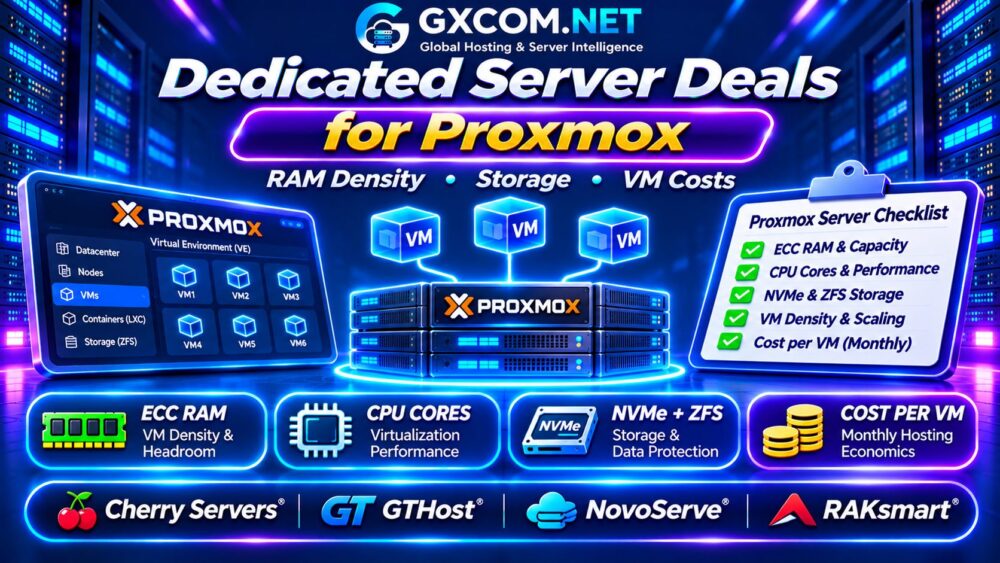
Proxmox Dedicated Server Buying Checklist
- Verify CPU model, physical cores, and virtualization support.
- Calculate guest RAM requirements and host headroom.
- Confirm ECC memory and upgrade availability.
- Review NVMe performance, redundancy, and remote management.
- Include IP addresses, backups, bandwidth, and setup fees.
- Estimate sustainable VM density and monthly operating costs.
Frequently Asked Questions
Can Proxmox Run on a Dedicated Server?
Yes, provided the hardware and provider installation policies support the required virtualization features.
Is 128GB RAM Enough for Proxmox?
It can support many environments, but actual capacity depends on guest memory demand, storage overhead, and workload peaks.
Is Proxmox Cheaper Than Cloud VPS Hosting?
Dedicated hosting can offer better economics at sustained utilization, while cloud VPS may be preferable for smaller or variable workloads.
Final Verdict
The best dedicated server deals for Proxmox balance CPU performance, usable RAM, NVMe storage, reliable backups, and transparent monthly expenses.
Compare Cherry Servers, GTHost, NovoServe, and RAKsmart against realistic VM requirements. Choose hardware that delivers sustainable virtualization density rather than simply the largest advertised specifications.
For broader purchasing decisions, review our Dedicated vs Cloud Server Comparison.