Choosing between cloud hosting and traditional web hosting can directly affect website speed, reliability, scalability and long-term hosting costs. Both can run WordPress sites, business websites and online stores, but the infrastructure behind them is different.
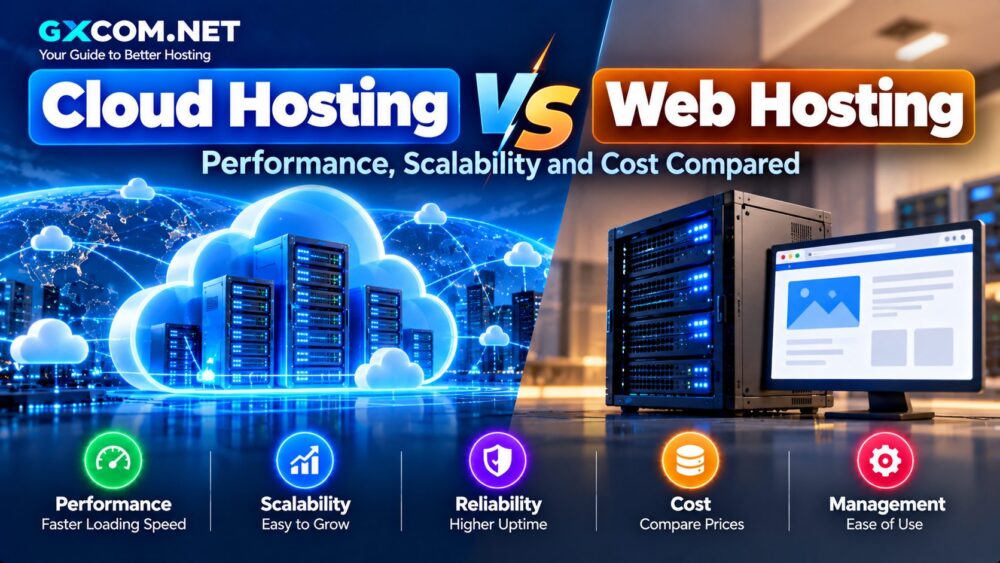
In this Cloud Hosting vs Web Hosting comparison, we examine how the two hosting models differ in performance, resource allocation, scalability, reliability, management and cost so you can decide which approach fits your website.
Cloud Hosting vs Web Hosting: Quick Comparison
| Feature | Web Hosting | Cloud Hosting |
|---|---|---|
| Infrastructure | Typically hosted on a shared server environment | Uses cloud-based virtualized infrastructure |
| Resources | Usually shared | Often larger or dedicated allocations |
| Scalability | Usually requires plan upgrades | Generally easier to scale |
| Traffic Spikes | Better for predictable traffic | Better suited to changing demand |
| Management | Usually fully managed | Can be managed or self-managed |
| Cost | Usually lower | Usually higher |
| Best For | Blogs and small websites | Growing sites, ecommerce and high traffic |
The biggest difference is not simply speed. It is how computing resources are delivered and how easily those resources can grow with your website.
What Is Traditional Web Hosting?
Web hosting is a broad term, but when people compare web hosting with cloud hosting, they are usually referring to conventional shared or managed website hosting.
With shared hosting, multiple customer accounts use resources from the same server environment. The hosting company manages the infrastructure, operating system and much of the server configuration.
This approach keeps costs low and makes hosting easy to use.
Typical features include:
- Hosting control panel
- WordPress installation
- SSL certificates
- Email hosting
- Website backups
- Managed security
- Customer support
For a new blog, portfolio or small business website with predictable traffic, traditional hosting may provide everything required without the additional expense of cloud resources.
What Is Cloud Hosting?
Cloud hosting uses virtualized resources delivered through cloud infrastructure rather than depending entirely on a conventional single-server hosting model.
Depending on the platform, resources can be distributed across interconnected infrastructure and expanded as demand changes.
Cloud hosting services may include:
- Dedicated or larger CPU allocations
- More RAM
- SSD or NVMe storage
- Scalable resources
- Dedicated IP addresses
- CDN integration
- Automated backups
- Advanced caching
Managed cloud hosting combines these infrastructure advantages with a hosting control panel and provider-managed server administration.
That makes it particularly useful for website owners who want more resources without operating their own VPS.
Performance: Which Hosting Is Faster?
Cloud hosting generally offers more performance headroom because cloud plans often provide substantially greater CPU, RAM and storage resources than entry-level web hosting.
That does not mean every cloud-hosted website automatically loads faster.
Website performance also depends on:
- Application optimization
- Database performance
- Server location
- Caching
- CDN configuration
- Theme and plugin quality
- Image optimization
A well-optimized website on quality web hosting can outperform a poorly configured website running on expensive cloud infrastructure.
The advantage of cloud hosting becomes more noticeable when a site needs to process larger numbers of simultaneous requests or resource-intensive dynamic operations.
Resource Allocation
Resource allocation is one of the most important differences between the two hosting models.
Web Hosting Resources
Shared web hosting distributes server resources among multiple customers. Providers normally impose account-level limits to prevent one website from consuming excessive CPU, memory or I/O.
This approach works efficiently for smaller websites because most sites do not use maximum resources continuously.
Cloud Hosting Resources
Managed cloud plans often provide much larger or dedicated resource allocations.
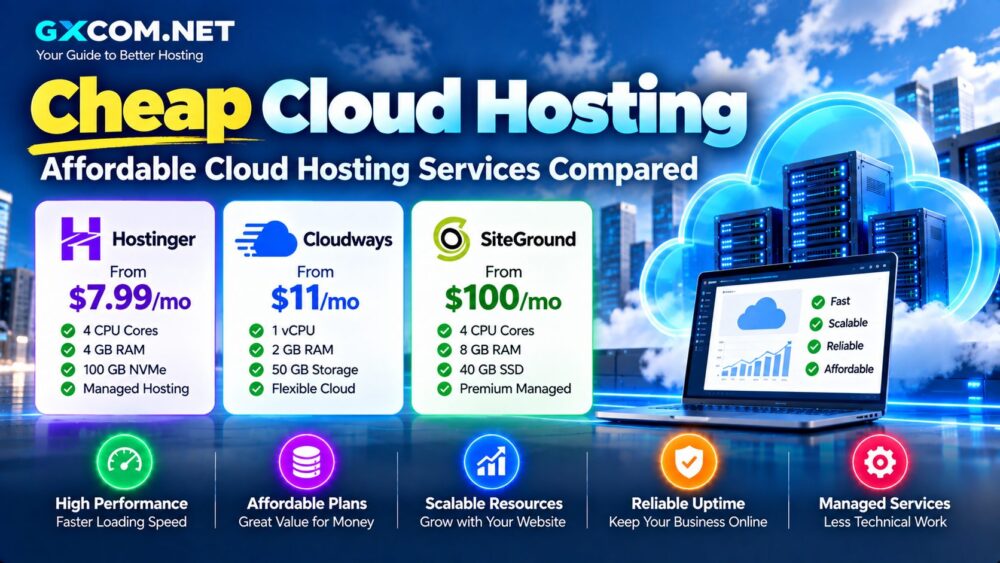
For example, Hostinger's current Cloud Startup plan lists 4 CPU cores, 4 GB RAM and 100 GB NVMe storage. Hostinger describes its cloud service as offering additional resources for growing sites while remaining fully managed.
SiteGround takes the model further: its managed cloud plans provide dedicated CPU and RAM, with its current Jump Start configuration listing 4 CPU cores and 8 GB memory.
Exact resources vary significantly between providers, so buyers should compare CPU, RAM, storage and account limits rather than relying only on the word “cloud.”
Scalability: Cloud Hosting Has the Structural Advantage
Scalability is one of the strongest reasons to consider cloud hosting.
Traditional web hosting usually scales through predefined plans:
Starter → Business → Premium → Cloud
When a site outgrows its existing plan, the customer upgrades to the next hosting tier.
Cloud environments can provide more flexible scaling. Depending on the provider, additional CPU, memory or storage may be added through plan upgrades, configurable resources or automated scaling.
SiteGround, for example, currently offers automated scaling on its managed cloud platform, while Hostinger positions cloud hosting as an upgrade for growing sites requiring additional resources.
Traffic Spikes and High-Traffic Websites
Traffic is rarely perfectly predictable.
A website can suddenly receive additional visitors because of:
- A viral social media post
- A successful advertising campaign
- Black Friday sales
- News coverage
- Email campaigns
- Search ranking improvements
Small traffic spikes may be handled by either hosting type, especially when caching and a CDN are configured correctly.
For sustained growth or resource-intensive traffic spikes, cloud hosting generally provides a better upgrade path because additional computing resources are more readily available.
Reliability and Availability
Traditional shared hosting can be highly reliable when operated by a good provider. Modern platforms use redundancy, backups, monitoring and isolated hosting accounts to reduce failures.
Cloud hosting adds another architectural advantage: workloads can use infrastructure built around virtualized or interconnected resources rather than depending solely on one conventional server environment.
However, “cloud” should not be interpreted as “cannot fail.”
Applications, databases, networks and cloud regions can still experience outages. Backups and independent recovery plans remain important regardless of hosting architecture.
Cloud Hosting vs Web Hosting Cost
Traditional web hosting usually wins on entry price.
As a current real-world example, Hostinger advertises its web hosting from $3.99 per month on a 48-month promotional term, while Cloud Startup is advertised at $7.99 per month on the same term. The plans renew at higher rates, so the initial promotional price should not be treated as the permanent monthly cost.
SiteGround illustrates an even wider difference between product tiers. Its entry web hosting currently starts at a promotional $2.99 per month for a 12-month prepaid term, while its managed Jump Start cloud plan costs $100 per month.
The difference exists because these products are designed for very different workloads.
Do Not Compare Only the Introductory Price
When calculating hosting cost, check:
- Initial price
- Renewal price
- Contract length
- CPU and RAM
- Storage
- Backup costs
- CDN
- Migration
- Bandwidth or usage charges
A cheap introductory plan can become less attractive after renewal, while a more expensive cloud package may include features that would otherwise require separate services.
Cloud Hosting vs Web Hosting for WordPress
Most WordPress websites do not need cloud hosting from day one.
A new WordPress blog, company website or portfolio can normally start with quality web hosting and upgrade when traffic and resource requirements increase.
Cloud hosting becomes more useful when WordPress needs:
- More PHP processing capacity
- More memory
- Higher concurrent traffic capacity
- Dedicated resources
- Greater scalability
WooCommerce, membership platforms and busy content sites can reach these requirements sooner than simple blogs.
Cloud Hosting vs Web Hosting for Ecommerce
Ecommerce creates a different workload because many important pages cannot simply be served from static cache.
Shopping carts, customer accounts, checkout pages, inventory queries and personalized content create dynamic requests.
A small store with limited traffic can run perfectly well on traditional managed hosting.
As orders, products and simultaneous visitors increase, additional CPU and memory can become valuable. At that stage, managed cloud hosting can provide a smoother growth path without requiring the business owner to administer a server.
Web Hosting Advantages
- Lower starting cost
- Easy setup
- Simple control panel
- Provider-managed maintenance
- Suitable for beginners
- Predictable hosting packages
For many small websites, these advantages are more valuable than infrastructure flexibility that may never be used.
Cloud Hosting Advantages
- Greater resource availability
- Better scalability
- More suitable for growing traffic
- Potentially stronger resource isolation
- Flexible infrastructure
- Suitable for demanding applications
If you are considering moving beyond conventional hosting, our Best Cloud Hosting Providers comparison examines managed cloud platforms in more detail.
When Should You Upgrade to Cloud Hosting?
You do not need to migrate simply because cloud hosting sounds more advanced.
Consider upgrading when you repeatedly encounter:
- CPU or memory limits
- Slow performance during peak traffic
- Increasing ecommerce activity
- Resource-heavy WordPress plugins
- Large numbers of concurrent visitors
- Need for dedicated resources
- Rapid business growth
If the problem is caused by an inefficient theme, oversized images or poorly configured plugins, upgrading infrastructure alone may not solve it.
What About VPS Hosting?
There is another option between ordinary web hosting and managed cloud platforms: VPS hosting.
A VPS can provide dedicated virtual resources and significantly more server control, but unmanaged VPS products also require more technical knowledge.
Website owners who want convenience may prefer managed cloud hosting. Developers who need root access and operating system control should compare VPS Hosting Providers instead.
Cloud Hosting vs Web Hosting: Which Should You Choose?
Choose traditional web hosting when your website has modest or predictable traffic, your budget is limited and you value simple management.
Consider cloud hosting when your website is growing, experiencing traffic spikes or needs more CPU, memory and scalability than conventional hosting plans provide.
The decision should ultimately be based on workload rather than marketing terminology.
For a new blog or small business site, quality web hosting is usually sufficient. For a growing ecommerce store, agency platform or high-traffic WordPress site, cloud hosting can provide additional performance headroom and a more flexible upgrade path.