Traditional web hosting works well for many websites, but growing businesses, ecommerce stores and high-traffic WordPress sites often need more performance and flexibility. This is where cloud hosting becomes attractive.
The Best Cloud Hosting Providers combine managed hosting tools with scalable cloud infrastructure, giving website owners more resources without requiring them to operate a raw cloud server.
In this guide, we compare leading cloud hosting services based on performance, scalability, management, storage, pricing structure and the types of websites they suit best.
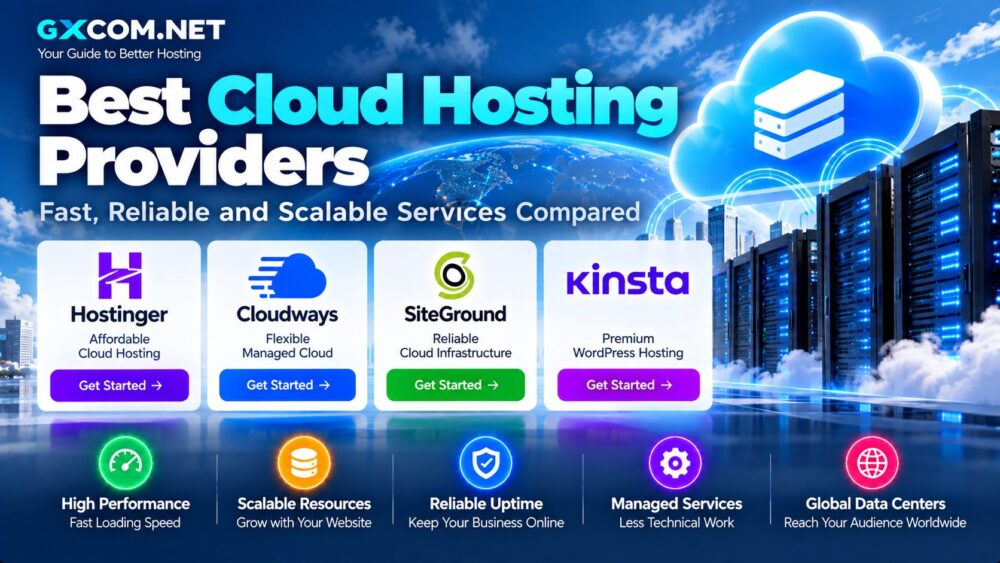
Best Cloud Hosting Providers Compared
| Provider | Cloud Hosting Style | Key Strength | Best For |
|---|---|---|---|
| Hostinger | Managed cloud hosting | Easy migration and strong resource value | Growing websites and ecommerce |
| Cloudways | Managed cloud platform | Flexible infrastructure and scaling | Agencies, WordPress and applications |
| SiteGround | Managed cloud hosting | Dedicated resources and managed environment | Business and high-traffic sites |
| Kinsta | Managed cloud platform | Premium WordPress performance and security | WordPress, WooCommerce and agencies |
There is no universal winner for every website. Hostinger targets users seeking a relatively simple upgrade path, Cloudways provides more infrastructure flexibility, SiteGround starts at a substantially higher resource tier, while Kinsta specializes heavily in managed WordPress workloads.
What Is Cloud Hosting?
Cloud hosting uses virtualized infrastructure rather than relying entirely on a traditional single-server hosting model.
Depending on the provider, cloud hosting may combine:
- Virtualized compute resources
- SSD or NVMe storage
- Managed server software
- Load balancing or scaling technologies
- CDN integration
- Backups and security tools
The term “cloud hosting” is broad. A managed website platform and a raw cloud virtual machine can both use cloud infrastructure, but they provide very different user experiences.
This article focuses primarily on managed cloud hosting designed for websites. Users looking for greater server-level control should instead consider Cloud VPS or cloud server products.
1. Hostinger – Affordable Managed Cloud Hosting
Hostinger provides managed cloud hosting designed for users who want more resources than standard shared hosting without administering a cloud server themselves.
Its current Cloud Startup configuration includes 4 CPU cores, 4 GB RAM and 100 GB NVMe storage. Hostinger also includes features such as a dedicated IP, CDN, SSL, website migration and managed support. Current promotional pricing can be substantially lower than renewal pricing, so buyers should compare the full contract cost rather than the headline monthly rate.
Best for: growing websites, business sites, WordPress and ecommerce users who value easier management.
2. Cloudways – Flexible Managed Cloud Hosting
Cloudways sits between traditional managed hosting and direct cloud infrastructure.
Instead of requiring users to configure every server component themselves, Cloudways provides a management layer designed for WordPress, Magento, Laravel and PHP applications.
Its platform offers features such as:
- Managed cloud infrastructure
- Vertical scaling
- Server and application management
- Firewall controls
- Caching technologies
- Staging and cloning
Cloudways uses pay-as-you-go billing for its cloud services, with costs depending on the selected product, infrastructure and resources used.
This model can be attractive for agencies and developers who want cloud flexibility without handling every system administration task.
Best for: agencies, developers, growing WordPress sites and PHP applications.
3. SiteGround – Managed Cloud for Resource-Heavy Websites
SiteGround's cloud hosting is positioned considerably above entry-level shared hosting.
Its current Jump Start cloud configuration includes 4 CPU cores, 8 GB memory, 40 GB SSD space and 5 TB of data transfer.
The service is managed, which reduces the amount of server administration required from the customer.
SiteGround can make sense when a website needs substantially more dedicated resources but the owner does not want to manage a VPS manually.
Best for: established business websites, agencies and resource-intensive sites.
4. Kinsta – Premium Managed Cloud Hosting for WordPress
Kinsta takes a specialized approach. Its managed WordPress platform runs websites in isolated containers on cloud infrastructure and includes performance, security and management tools designed specifically for WordPress.
Current features include:
- Isolated site environments
- Managed WAF and DDoS protection
- CDN integration
- Automatic database optimization
- Staging environments
- Backups
- Application performance monitoring
Kinsta's current business plans start at $35 per month on monthly billing, while annual billing can reduce the effective monthly cost. Its pricing is significantly higher than budget hosting, but the service includes a larger managed WordPress stack.
Best for: serious WordPress sites, WooCommerce stores, agencies and businesses that prioritize managed infrastructure.
Cloud Hosting vs Traditional Web Hosting
| Feature | Traditional Web Hosting | Cloud Hosting |
|---|---|---|
| Infrastructure | Often single-server based | Cloud-based resources |
| Scalability | Usually plan-based | Generally more flexible |
| Resources | Often shared | Can include dedicated allocations |
| Management | Usually easy | Varies from fully managed to technical |
| Price | Usually lower | Usually higher |
For a small personal website, traditional hosting may remain sufficient. Cloud hosting becomes more attractive when performance, scalability or resource isolation becomes important.
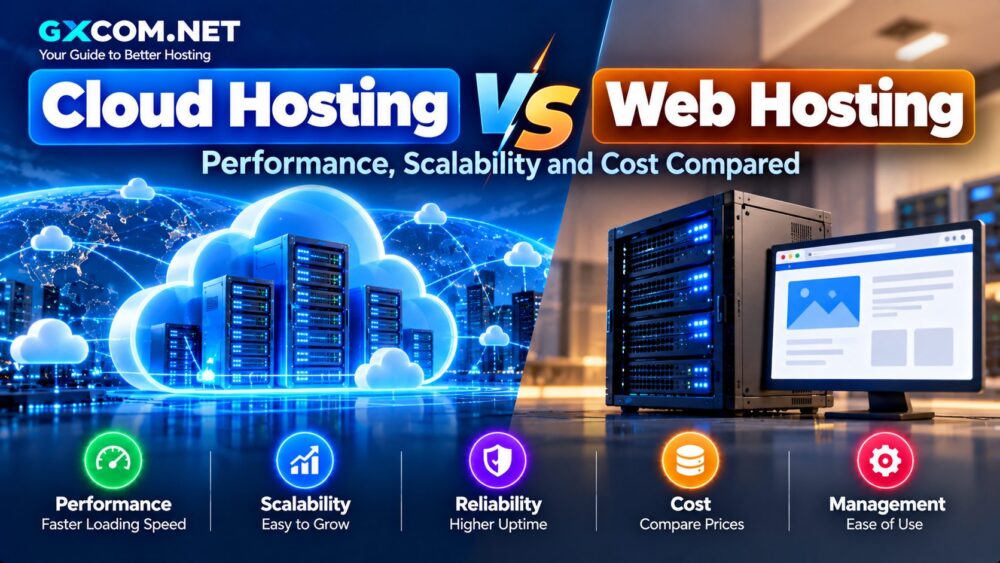
Our Cloud Hosting vs Web Hosting comparison explores these differences in more detail.
Cloud Hosting vs Cloud VPS
Cloud hosting and Cloud VPS are sometimes used interchangeably, but the buying experience can be very different.
Managed cloud hosting typically focuses on the website:
- Control panel
- Automatic maintenance
- Website migration
- Backups
- Managed security
A Cloud VPS typically focuses on the server:
- Root access
- Operating system control
- Custom software
- SSH administration
- Developer infrastructure
Website owners who do not want to administer Linux generally benefit more from managed cloud hosting. Developers requiring complete server control may prefer a Cloud VPS.
What Makes Cloud Hosting Fast?
Simply putting “cloud” in a product name does not guarantee a fast website.
Performance depends on several factors.
CPU and RAM
Dynamic websites, WooCommerce stores and busy applications need enough processing power and memory to handle concurrent requests.
SSD or NVMe Storage
Fast storage can improve database and file operations, particularly for dynamic websites.
Server-Level Caching
Page caching, object caching and optimized web-server configurations can reduce application processing time.
CDN
A CDN can deliver static content from locations closer to visitors and reduce the workload placed on the origin server.
Application Optimization
A poorly optimized WordPress site can remain slow even on expensive cloud infrastructure. Hosting and application optimization should be considered together.
Scalability: Why It Matters
Scalability is one of the main reasons businesses move to cloud hosting.
A growing site may need more:
- CPU
- RAM
- Storage
- Bandwidth
- PHP workers
Some platforms allow users to move to larger resource configurations, while others offer more automated scaling capabilities.
Before buying, check whether scaling requires downtime, whether it is automatic and how additional resource usage is billed.
Best Cloud Hosting for WordPress
WordPress does not require cloud hosting, but larger WordPress sites can benefit from additional resources and managed optimization.
Useful features include:
- Automatic backups
- Staging
- Object caching
- CDN
- Malware protection
- WordPress-specific support
Kinsta specializes in this category, while Cloudways, Hostinger and SiteGround also provide WordPress-oriented cloud hosting options.
Best Cloud Hosting for Ecommerce
Ecommerce websites are more demanding than simple static websites because product pages, customer sessions, inventory and checkout processes can generate frequent dynamic requests.
Look for:
- Sufficient CPU and RAM
- Fast storage
- Reliable backups
- Strong security
- Easy resource scaling
- Effective caching
The cheapest hosting plan can become expensive if poor performance reduces conversions or causes downtime during traffic spikes.
How Much Does Cloud Hosting Cost?
Cloud hosting pricing varies widely because providers sell very different products.
At the time of this update, Hostinger's Cloud Startup is advertised at $7.99 per month on a 48-month promotional term and renews at $25.99 per month. SiteGround's Jump Start cloud plan is $100 per month, while Kinsta's entry business plan is $35 per month on monthly billing. Cloudways uses pay-as-you-go billing and pricing varies by selected resources and platform.
These figures illustrate why comparing cloud hosting purely by monthly price can be misleading.
How to Choose the Best Cloud Hosting Provider
Match resources to your workload. A small business website does not need the same infrastructure as a high-traffic WooCommerce store.
Check renewal pricing. Introductory discounts can make the first term much cheaper than later billing periods.
Understand the management level. Managed cloud hosting and raw cloud infrastructure require very different levels of technical skill.
Check scaling rules. Understand how CPU, RAM, storage and bandwidth can be increased and what they cost.
Review backup policies. Check frequency, retention and whether off-site copies are included.
Choose appropriate server locations. Hosting closer to your main audience can reduce network latency.
Compare the total cost. CDN, backups, bandwidth overages, migrations and premium support can affect the real monthly cost.
Best Cloud Hosting Providers: Final Thoughts
The best cloud hosting service depends on what you are hosting and how much management you want from the provider.
Hostinger offers an accessible route into managed cloud hosting for growing websites. Cloudways provides greater flexibility for users who want managed cloud infrastructure. SiteGround targets websites needing larger dedicated resource allocations, while Kinsta offers a premium WordPress-focused environment.
Before choosing a provider, compare more than the advertised monthly price. CPU, memory, storage, scaling, backups, security, support and renewal costs all influence long-term value.
For users who need server-level control rather than a managed website platform, a Cloud VPS or cloud server may be the more appropriate next step.