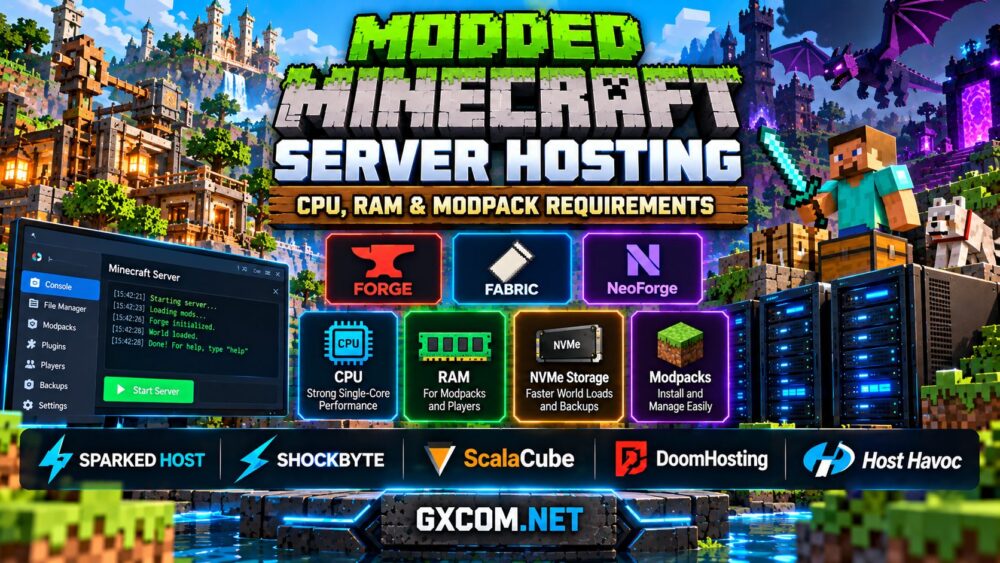
A modded Minecraft server can turn an ordinary survival world into an entirely different experience. From Create-powered factories and technology-focused progression to magic systems, new dimensions, and massive exploration packs, mods give players more freedom—but they also introduce additional demands on server hardware.
Choosing the right modded Minecraft server hosting plan means looking beyond the advertised player count. RAM matters, but CPU performance, storage speed, mod loader compatibility, and the size of your world can be equally important.
This guide explains how to estimate hardware requirements for Forge, Fabric, and NeoForge servers, compares popular modpack hosting options, and helps you avoid paying for resources that will not solve your performance problems.
How Much RAM Does a Modded Minecraft Server Need?
Modded Minecraft usually needs more memory than a basic vanilla server because mods introduce additional blocks, entities, machines, dimensions, and background processes. However, the number of installed mods alone does not determine memory usage.
A lightweight Fabric pack with carefully selected performance mods may run efficiently, while a smaller collection of demanding automation or world-generation mods can place considerable pressure on the server.
The following ranges provide a practical starting point for planning, rather than guaranteed requirements:
| Server Type | Suggested Starting RAM | Typical Use |
|---|---|---|
| Lightly modded | 4–6 GB | Small private worlds with lightweight mods |
| Medium modpack | 6–8 GB | Friends playing with additional content and dimensions |
| Large modpack | 8–12 GB | Complex technology, magic, and exploration packs |
| Heavy modpack or busy community | 12–16 GB or more | Large worlds, extensive automation, and more concurrent players |
These estimates refer to server planning, not the memory allocated to an individual player's Minecraft client. Some modpacks publish separate client and server recommendations, and those figures should not be treated as interchangeable.
Remember that a hosting plan must also leave enough memory for the operating environment, management software, and other background processes. Allocating every available gigabyte to the Java heap is not necessarily the best configuration.
For additional guidance on memory allocation, read our Minecraft server RAM requirements guide.
Why CPU Performance Matters More Than Mod Count
RAM shortages can cause crashes and excessive garbage collection, but a server with plenty of memory may still suffer from low ticks per second (TPS). This often happens when the processor cannot complete simulation work quickly enough.
Minecraft's main game loop remains sensitive to single-thread performance. Complex redstone, large automation systems, entity processing, and newly generated chunks can create significant CPU workloads.
A modern processor with strong per-core performance is therefore an important consideration for modded hosting. AMD Ryzen processors and newer server CPUs can be suitable, but their actual performance depends on architecture, resource allocation, cooling, and how heavily the hosting node is shared.
More cores become useful when running multiple Minecraft instances, proxy services, databases, or other supporting applications. They do not automatically make a single heavily loaded game tick faster.
NVMe storage also helps with world saves, chunk data, modpack files, and backups. However, storage speed cannot compensate for an overloaded simulation thread.

When comparing plans, ask about the CPU generation, allocated resources, and whether the provider offers a performance-oriented hosting tier. Vague claims of unlimited power are less helpful than transparent specifications.
Forge vs Fabric vs NeoForge: Choosing the Right Mod Loader
Before ordering hosting, identify the exact Minecraft version and mod loader required by your modpack. These choices determine which server files you need and whether your preferred mods can run together.
Forge has a long history in the Minecraft modding community and supports many established modpacks. Compatibility depends on the specific Minecraft and Forge versions used by the pack.
Fabric offers a lightweight, modular modding environment and is popular for performance-oriented modifications as well as custom content. Its smaller loader footprint does not mean every Fabric modpack has low hardware requirements.
NeoForge is a separate modding platform used by a growing range of modern Minecraft projects. Mods built for Forge or NeoForge are not universally interchangeable, even when their names and gameplay goals are similar.
A hosting provider should let you install the required loader and server files, either through a supported modpack installer or through file upload and custom server configuration.
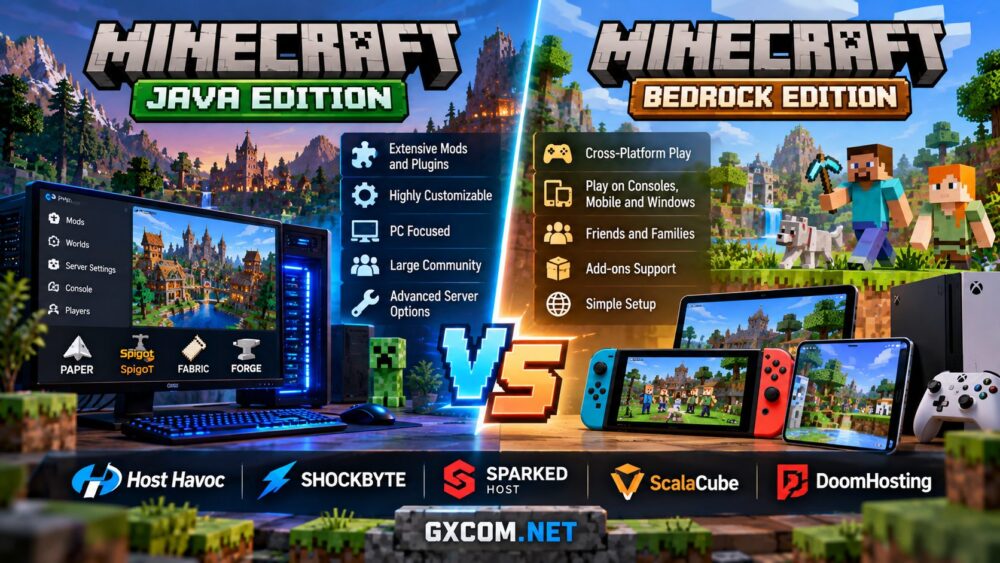
Most traditional Forge, Fabric, and NeoForge modpacks target Minecraft Java Edition. Our Minecraft Java vs Bedrock server hosting comparison explains why edition compatibility matters before choosing a plan.
Best Modded Minecraft Server Hosting Providers to Compare
Managed Minecraft hosting can simplify modpack installation, file transfers, backups, and updates. However, the best provider depends on your pack's requirements, available resources, and preferred level of control.
Sparked Host is worth considering for players comparing budget and higher-performance Minecraft hosting tiers. Its management environment includes tools for working with server files and supported modpack installations. Check the resource allocation of the selected plan before deploying a demanding pack.
Shockbyte offers Minecraft hosting with modpack installation options and server management tools. It is a useful comparison for beginners who want a managed environment, although custom packs may still require manual file transfers or configuration changes.
ScalaCube provides Minecraft hosting with modpack-oriented setup features and access to server files. It may appeal to players who want to experiment with different packs without managing a complete VPS operating system.
DoomHosting is another option for Minecraft communities evaluating managed game hosting. Compare its available memory tiers, mod loader support, file management, and backup capabilities against your chosen modpack's published requirements.
Host Havoc is relevant for communities that prioritize game hosting management and support. Before selecting a package, verify its Minecraft-specific offerings, modpack compatibility, available hardware resources, and upgrade options.
None of these providers should be selected on branding alone. Confirm that the exact Minecraft version, mod loader, and server pack are supported before purchasing.
For a wider comparison of providers and hosting features, explore our best Minecraft server hosting guide.
How to Install and Optimize a Minecraft Modpack Server
Begin by downloading the official server pack supplied by the modpack creator whenever one is available. Client-only files, graphical mods, and incompatible dependencies can prevent a dedicated server from starting correctly.
Check the pack's required Java runtime, Minecraft version, and loader version. Upload the correct server files, accept the Minecraft EULA after reviewing it, and configure the startup command according to the pack's instructions.
For a Java server, memory settings commonly use the -Xms and -Xmx arguments. For example, -Xmx6G sets a maximum Java heap of approximately 6 GB, but it does not include all memory used by the Java process or operating environment.
After the first successful launch, generate a small test world and monitor performance before inviting everyone to join. If TPS drops, investigate entity counts, automated machines, world generation, and problematic mods instead of immediately increasing RAM.
Keep the simulation distance reasonable, pregenerate terrain when appropriate, and avoid installing unnecessary modifications. Use compatible profiling tools to identify actual bottlenecks.
Back up the world, configuration, and mod files before major updates. Changing Minecraft or mod loader versions can introduce incompatibilities, so test updates before applying them to an active community.
Budget Hosting vs High-Performance Modpack Hosting
Cheap Minecraft hosting can work well for a lightweight modpack and a small group of friends. Problems arise when a low-cost plan provides enough advertised RAM but insufficient CPU performance for a demanding world.
For smaller packs, prioritize straightforward installation, reasonable memory headroom, and accessible backups. For large technology packs or communities with frequent exploration, compare CPU allocation, higher RAM tiers, NVMe capacity, and upgrade flexibility.

Consider the complete cost rather than an introductory promotion. Backup retention, storage limits, renewal terms, and optional management features can affect long-term value.
Our cheap Minecraft server hosting comparison explains how to evaluate affordable plans without overlooking important performance features.
If your community eventually needs several instances or full operating system control, self-managed VPS or dedicated infrastructure may become attractive. Our gaming VPS vs dedicated server guide covers that decision in more detail.
Frequently Asked Questions
Is 8 GB of RAM enough for a modded Minecraft server?
It can be sufficient for many medium-sized modpacks and smaller communities, but heavily modified environments may require more. Follow the modpack author's server guidance and monitor actual memory usage.
Does a modded Minecraft server need a GPU?
Typically, no. A headless dedicated Minecraft server generally relies on CPU, RAM, storage, and network resources rather than a gaming graphics card.
Can I upload my own custom modpack?
Many Minecraft hosting providers allow custom server files, but the exact upload method and supported startup configurations vary. Confirm custom JAR, loader, and file access policies before ordering.
Will adding more RAM fix Minecraft server lag?
Only when insufficient memory is the actual bottleneck. Low TPS can also result from CPU limitations, excessive entities, inefficient mods, or demanding world generation.
Final Verdict: Choose Hardware for the Modpack, Not the Marketing
The best Minecraft modpack server hosting plan is the one that matches your actual workload. RAM is important, but strong CPU performance, compatible server software, reliable storage, and straightforward backups are equally valuable.
Sparked Host, Shockbyte, ScalaCube, DoomHosting, and Host Havoc provide different hosting options worth comparing. Start with the modpack's official requirements, verify the provider's supported installation methods, and select a plan with enough room for normal player activity.
A well-configured server with appropriate resources will usually deliver a better experience than an oversized plan running an inefficient or incompatible modpack.