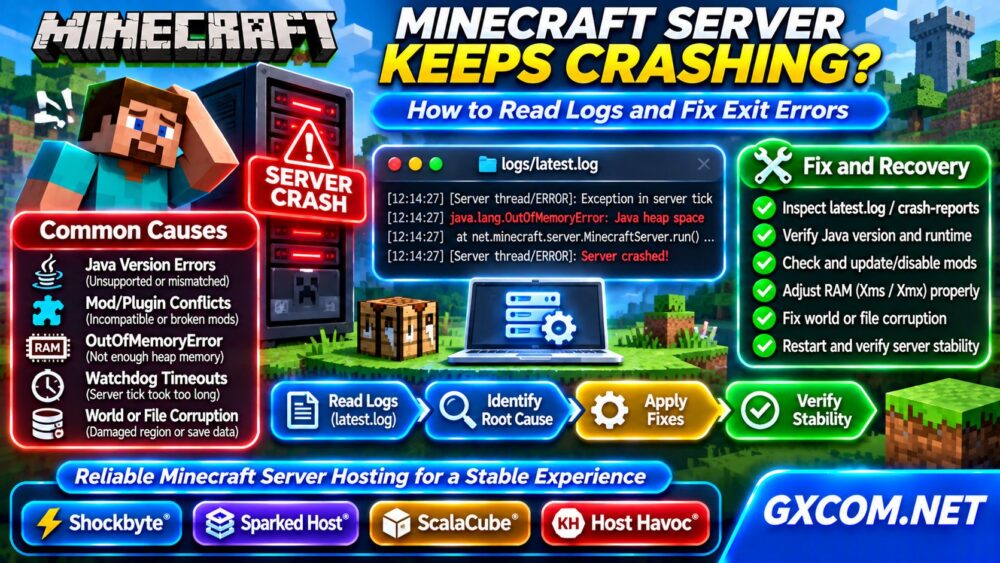
Choosing between Minecraft Java vs Bedrock server hosting affects who can join, which plugins you can install, and how much administration your community requires. Java Edition offers extensive customization, while Bedrock Edition is designed for players across computers, mobile devices, and consoles.
However, choosing a server is not simply about picking the cheaper plan. Crossplay compatibility, game software, memory requirements, and hosting controls can determine whether your multiplayer world works as expected. This guide compares both editions and explains when a crossplay bridge makes sense.
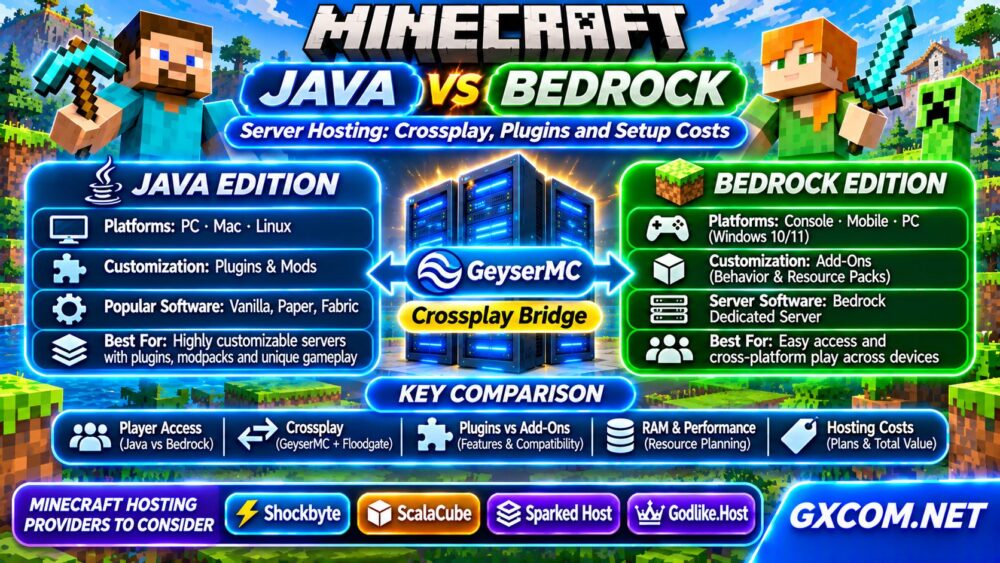
Minecraft Java vs Bedrock Hosting: Key Differences
| Feature | Java Hosting | Bedrock Hosting |
|---|---|---|
| Players | Windows, macOS, Linux | Windows, mobile, consoles |
| Server software | Vanilla, Paper, Fabric and others | Bedrock Dedicated Server and alternatives |
| Customization | Plugins and extensive mod ecosystems | Add-ons and supported server extensions |
| Native crossplay | Java clients | Bedrock clients |
| Cross-edition option | GeyserMC bridge | Not equivalent to Java plugin hosting |
Both editions support multiplayer, but their server software and world formats differ. Ask every player which edition they own before ordering hosting.
Which Edition Supports Your Players?
Java Edition runs on Windows, macOS, and Linux computers. Bedrock Edition serves a broader device ecosystem, including mobile platforms and major consoles.
If everyone plays Java on a computer, Java hosting is usually the simplest choice. If your group includes phone, tablet, or console users, Bedrock hosting may be more practical.
Console connections to privately hosted servers can involve additional platform restrictions. Confirm joining methods before promising straightforward access to every player.
Can Java and Bedrock Players Join One Server?
Not natively. Java and Bedrock use different networking implementations, so an ordinary Java server does not automatically accept Bedrock connections.
GeyserMC provides a translation layer that allows compatible Bedrock clients to join a Java server. Floodgate can additionally support Bedrock account authentication without requiring those players to purchase Java Edition.
A typical crossplay deployment includes:
- A compatible Java server or proxy environment.
- The appropriate GeyserMC installation.
- Floodgate when its authentication functionality is needed.
- Correctly configured networking and supported client versions.
- Testing from actual Java and Bedrock devices.
Geyser is not a universal compatibility guarantee. Some Java mechanics, plugins, interfaces, and client behaviors may work differently for Bedrock players. It also does not provide the reverse capability of connecting Java clients to a native Bedrock server.

Java Plugins vs Bedrock Add-Ons
Java hosting is especially attractive to communities using plugins and mods. Paper-based servers can support compatible Bukkit-style plugins, while Fabric and other mod loaders serve different customization requirements.
Bedrock uses its own add-on ecosystem, including behavior packs and resource packs. These are not interchangeable with Java plugins or mod files.
Before purchasing, list your required features: permissions, economy systems, custom items, minigames, or world generation. Then check which server software actually supports them.
A hosting provider advertising mod support does not necessarily support every loader, plugin, or Bedrock add-on.
How Much RAM Does Each Edition Need?
Neither edition has a universal hosting memory requirement. Actual usage depends on player activity, simulation distance, world generation, plugins, mods, and server software.
For a small Java community, approximately 4 GB can be a practical initial planning point, but demanding modpacks may need substantially more. Lightweight Bedrock worlds may operate with less memory, depending on workload.
These are estimates rather than guaranteed minimums. CPU performance, storage speed, and resource contention also affect gameplay.
Review our NVMe VPS storage performance guide when comparing infrastructure specifications.
Setup Costs: What Are You Actually Paying For?
Hosting costs depend more on resources and management features than the edition name alone. Compare monthly billing, renewal rates, CPU allocation, memory, storage, backups, and support.
Java servers with substantial plugins or large modpacks may require additional resources. Crossplay installations also introduce configuration work and compatibility testing.
Bedrock hosting can simplify access for mixed-device groups, but console connectivity and add-on compatibility still deserve attention.
Calculate total ownership cost rather than comparing advertised starting prices. A low-cost plan becomes poor value if it lacks essential backup or upgrade options.
Four Minecraft Hosting Providers to Compare
Shockbyte, ScalaCube, Sparked Host, and Godlike.Host are relevant providers to investigate for Minecraft communities. Their suitability depends on current plan features, supported server software, and management options.
Shockbyte: Compare Edition and Software Options
Shockbyte is worth evaluating for Minecraft hosting. Confirm whether the selected product supports your edition, intended server software, backups, and any required crossplay configuration.
ScalaCube: Examine Installation Simplicity
ScalaCube is a candidate for administrators prioritizing an accessible setup workflow. Check how the chosen plan handles software selection, world uploads, configuration changes, and upgrades.
Sparked Host: Consider Customization and Growth
Sparked Host deserves comparison when your community expects plugins, modpacks, or changing resource requirements. Verify the available installation tools, memory options, and support boundaries.
Godlike.Host: Evaluate Minecraft Management
Godlike.Host is another Minecraft-focused option to research. Examine supported editions, management features, backup capabilities, and compatibility with your specific customization requirements.
For broader provider selection, explore our Game Hosting Comparisons and Game Server Deals.
Managed Minecraft Hosting vs a Self-Managed VPS
Managed hosting typically offers game-oriented installation and administration tools. A VPS provides greater operating-system control but requires responsibility for updates, security, networking, and software maintenance.

A self-managed VPS can be useful for administrators running custom proxies or multiple services. However, technical flexibility should be weighed against administration time.
Compare both approaches in our Managed vs Unmanaged VPS guide.
Before Launching Your Minecraft Server
- Confirm every player’s edition and device.
- Choose the correct server software and game version.
- Verify plugin, mod, or add-on compatibility.
- Test crossplay authentication and required ports.
- Configure backups and administrator permissions.
- Test performance before inviting the entire community.
For additional setup and troubleshooting topics, visit our Minecraft Hosting guides.
Frequently Asked Questions
Is Java or Bedrock Better for Server Hosting?
Java is often preferable for extensive plugin customization. Bedrock is attractive when native multiplayer access across supported device types is the priority.
Can Bedrock Players Join a Java Server?
Yes, through compatible tools such as GeyserMC, provided server versions, authentication, and network configuration are supported.
Can Java Plugins Run on Bedrock Servers?
Not directly. Java plugins and Bedrock add-ons use different systems and require compatible server environments.
Final Verdict
Choose Java hosting for customization-focused computer communities, Bedrock hosting for native mixed-device play, or a carefully tested Java server with GeyserMC when cross-edition access is essential. Compare hosting plans around your actual workload, supported software, and management needs rather than choosing by price alone.