Choosing the best cloud hosting for developers means looking beyond CPU cores and introductory prices. A productive hosting environment should support secure server access, repeatable deployments, safe testing, and a clear path from development to production. The right platform depends on whether your team prefers managed workflows or direct control of a virtual machine.
What Developers Need From Cloud Hosting
SSH access is often the first requirement. It lets developers inspect logs, run command-line tools, manage files, and automate maintenance. However, SSH access does not always mean unrestricted root access. Managed platforms may limit privileged operations to protect shared infrastructure or maintain their supported configuration.
Git deployment is equally important. Some platforms offer an interface that pulls code from a repository; others expect developers to configure Git, deployment keys, webhooks, or CI/CD pipelines themselves. A repository connection is useful, but reliable deployment also needs dependency installation, database migration, rollback, and secret management.
Staging provides a separate environment where teams can test changes before exposing them to customers. A proper staging process should isolate application data, control access, and provide a documented method for moving approved changes into production. Cloning a live website is not enough if it accidentally exposes customer records or overwrites production orders.
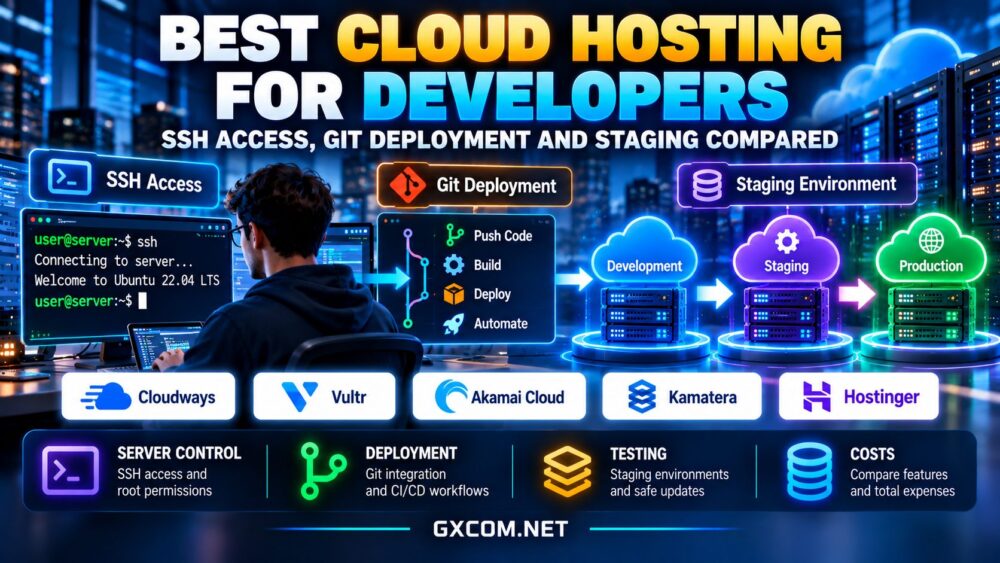
Developer Cloud Hosting Features Compared
| Provider | SSH Model | Git Deployment | Staging Approach |
|---|---|---|---|
| Cloudways | Managed SSH/SFTP access | Platform Git features for supported applications | Built-in staging for supported applications |
| Vultr | VM administration via SSH | Self-configured Git or CI/CD | Separate instance or custom environment |
| ScalaHosting | SSH access depends on the hosting product and configuration | Git deployment through supported tools or custom workflows | Plan-dependent staging or a separately configured environment |
| Kamatera | VM administration via SSH | Self-configured Git or CI/CD | Separate instance or custom environment |
| Hostwinds | SSH administration on supported Linux VPS and cloud servers | Self-configured Git or CI/CD workflows | Separate VPS, cloud instance, or custom environment |
These distinctions are architectural, not performance rankings. Always confirm current plan features, permissions, and staging support before buying.
Best Cloud Hosting Providers for Developers
Cloudways: Managed Deployment Workflows
Cloudways is a strong candidate for developers maintaining supported PHP applications and WordPress projects who prefer a managed environment. Its platform provides SSH/SFTP access, Git-based deployment capabilities, and staging tools for supported workflows. That can reduce routine server administration and make client handoffs easier.

The tradeoff is control. Developers who require unrestricted root access, unusual system packages, or custom low-level networking should verify whether a managed environment supports their requirements. Review application compatibility and charges for additional environments before committing.
Vultr: Direct Cloud Server Control
Vultr suits teams comfortable managing their own cloud instances. Developers can use SSH, install their preferred stack, connect repositories, and build CI/CD pipelines with tools they already know. Staging can run on a separate instance, container environment, or isolated application deployment.
This flexibility comes with responsibility for patching, monitoring, backups, and deployment security. Compare compute families and bandwidth policies instead of assuming every instance offers identical sustained performance.
ScalaHosting: Managed Cloud VPS and Developer-Friendly Hosting
ScalaHosting offers managed and self-managed VPS hosting options that can support development projects, WordPress applications, and business websites. Its managed hosting environment may appeal to developers who want server administration assistance without maintaining every infrastructure component themselves.
SSH permissions, Git deployment capabilities, and staging workflows depend on the selected hosting product, control panel, and configuration. Developers requiring automated deployments should confirm the available tools and whether additional setup is necessary. Teams needing full operating system control should compare self-managed VPS options with managed plans before purchasing.
Kamatera: Configurable Development Environments
Kamatera offers customizable cloud server resources for projects needing specific CPU, memory, or storage allocations. Developers can configure SSH-based administration and deploy using Git or external automation tools.
A separate staging server can closely resemble production, but duplication increases recurring resource costs. Review networking, backup, and optional management charges when comparing configurations.
Hostwinds: Flexible VPS and Cloud Development Environments
Hostwinds offers VPS and cloud hosting services suitable for developers who want control over their application environment. On supported Linux VPS and cloud server configurations, developers can administer the operating system through SSH, install development tools, and configure Git-based deployment pipelines.
Unlike platforms offering integrated staging workflows, a Hostwinds deployment may require developers to create a separate server or isolated application environment for testing. Teams should compare managed and unmanaged options, verify administrative permissions, and account for backup, security, and maintenance responsibilities before choosing a plan.
SSH Security and Access Policies
Prefer SSH keys over passwords, use individual accounts where possible, and limit privileged access. Disable unused services and protect deployment credentials. Managed SSH access may be sufficient for routine application tasks; root access is necessary only when the workload genuinely requires system-level changes.
For a deeper explanation of administrative responsibility, see our managed hosting vs unmanaged hosting guide.
Git Deployment Without Production Surprises
A reliable pipeline should validate code, run automated tests, build artifacts, and deploy approved releases. Store secrets outside repositories and use restricted deployment credentials. Plan a rollback strategy for application code and a separate recovery approach for database changes.
For WordPress, distinguish theme and plugin code deployment from content and database synchronization. Blindly pushing a staging database to production can overwrite orders, comments, or user activity.
Staging Environments and Their Real Costs
Staging can be a temporary clone, a continuously running secondary server, or a managed platform feature. Each has different costs. A permanent duplicate may double part of the compute bill, while on-demand staging requires reliable provisioning and cleanup.
Also account for snapshots, storage, email suppression, external APIs, and test data. Read our cloud hosting for agencies guide for approaches to isolating client projects and managing staging overhead.

Managed Cloud vs Self-Managed VPS
Managed cloud hosting can save time on routine operations, but may restrict configuration flexibility. Self-managed VPS infrastructure gives developers greater control while transferring security, uptime, and maintenance duties to the team.
Our managed cloud hosting comparison helps clarify the tradeoff. Teams with predictable workloads should also compare affordable cloud VPS deals rather than assuming managed services are always necessary.
How to Choose the Right Provider
Start with your deployment stack and permissions. Confirm whether SSH is available, whether root access is required, and whether Git deployment is native or must be configured. Then test a full release cycle: staging setup, code deployment, database changes, rollback, and restoration from backup.
Calculate the total monthly expense, including production, staging, backups, bandwidth, management, and team labor. A platform that costs more per server can still be economical if it meaningfully reduces maintenance effort. Conversely, an experienced infrastructure team may prefer direct control and lower service overhead.
Final Verdict
Cloudways is worth evaluating for managed application workflows, while Vultr and Kamatera suit teams building their own server and deployment processes. ScalaHosting offers another option for developers comparing managed and self-managed VPS environments. Hostwinds is also worth considering for teams that prefer SSH-based server administration and custom Git deployment pipelines. The best cloud hosting for developers is the platform that makes secure deployment and reliable testing repeatable without imposing unnecessary complexity or cost.