Understanding game server requirements is essential before launching a multiplayer community. The right hardware keeps gameplay responsive, supports world saves, and provides room for additional players.
However, server requirements vary by game, version, map, mods, and player activity. A small Minecraft world has different demands from a busy Rust server or an ARK survival environment.
This guide explains how to estimate CPU, RAM, storage, and bandwidth needs without paying for unnecessary resources.
New to multiplayer infrastructure? Start with our game server hosting explained guide before estimating hardware resources.
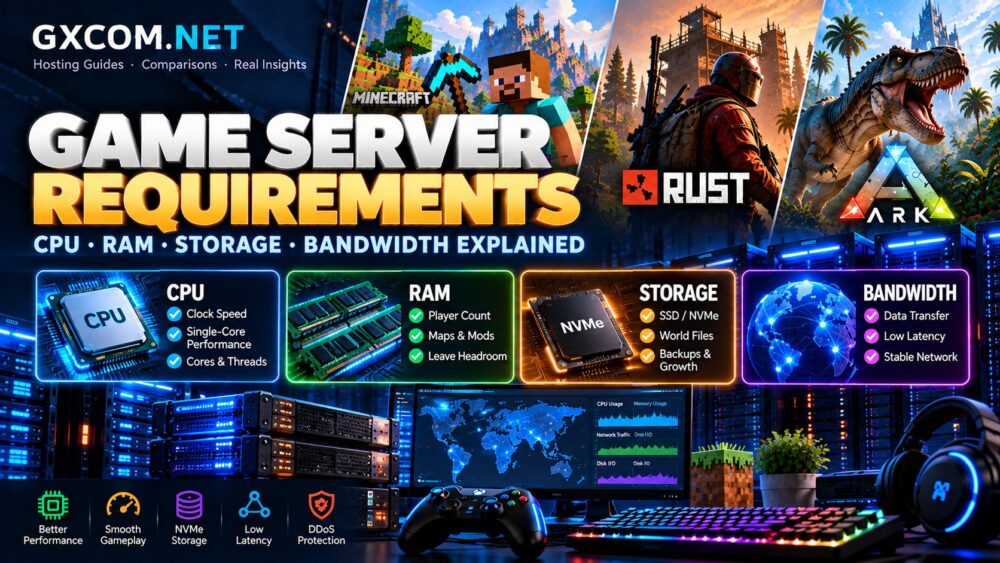
Game Server Requirements at a Glance
There is no universal specification for every multiplayer server. The following ranges are illustrative planning examples, not official minimum requirements or performance guarantees.
| Workload | CPU Priority | RAM Planning | Storage and Network |
|---|---|---|---|
| Small vanilla Minecraft server | Strong single-thread performance | Approximately 4–6 GB | SSD/NVMe, modest traffic |
| Modded Minecraft community | Fast modern CPU | Approximately 8–16 GB or more | Additional modpack and backup space |
| Rust community server | High-frequency CPU | Often 12–16 GB or more | Fast storage, stable low-latency network |
| ARK: Survival Ascended server | Strong CPU and sufficient cores | Often 16 GB or more | Substantial storage and memory headroom |
These figures are starting points for evaluating plans. Always check the current game's dedicated-server documentation and the requirements of your specific configuration.
1. CPU Requirements: Clock Speed, Cores and Performance
The CPU processes simulation tasks, player actions, entity behavior, and many server-side calculations.
For games with demanding main-thread workloads, strong single-thread performance can matter more than a large advertised core count.
Single-Core Performance vs Core Count
Minecraft servers often benefit from fast individual CPU cores. Rust and ARK can also place significant demands on processor performance, although their threading behavior differs.
Additional cores become useful when running multiple server instances, background services, or workloads that can execute in parallel.
Compare processor generation, sustained performance, and whether CPU resources are shared. Four heavily contended virtual cores may perform differently from four dedicated physical cores.
When Should You Upgrade the CPU?
Consider a CPU upgrade when server tick performance deteriorates despite reasonable memory usage and optimized settings.
First investigate entity counts, simulation distance, plugins, and background processes. Hardware upgrades cannot compensate for every configuration problem.
2. RAM Requirements: Players, Maps and Mods
RAM stores active game data, loaded world information, and server processes. Insufficient memory can cause slowdowns, crashes, or failed startup attempts.

Memory demand is not determined by player count alone. Larger maps, extensive mods, plugins, and complex world activity can increase consumption.
Minecraft RAM Requirements
A small vanilla Minecraft server may start with approximately 4–6 GB, depending on its software and workload.
Large modpacks may require 8–16 GB or more. Some particularly demanding configurations need additional memory.
Review our best Minecraft server hosting comparison for Java, Bedrock, and modded hosting options.
Rust and ARK Memory Requirements
Rust memory usage depends on map size, entities, plugins, and player activity. ARK servers can require substantial memory, especially with demanding worlds and modifications.
For both games, use current edition-specific guidance instead of relying on outdated minimum specifications.
Leave Memory Headroom
Avoid selecting a plan that operates near its memory limit during normal gameplay.
Leave capacity for player spikes, updates, plugins, and temporary workload increases. On self-managed systems, remember that the operating system also consumes memory.
3. Storage Requirements: SSD, NVMe and Backups
Game servers store installation files, maps, player data, logs, plugins, and backups. Required capacity grows as worlds and communities develop.
SSD storage is generally preferable to traditional hard drives for active multiplayer workloads. NVMe storage can provide faster access, although real performance depends on the hosting environment.
How Much Storage Do You Need?
Calculate space for the game installation, active world files, mods, logs, and future expansion.
Backups may require significant additional capacity. Confirm whether the hosting provider stores backups separately or counts them against your allocation.
Storage performance also matters during world saving and loading. Monitor disk usage rather than focusing only on the advertised capacity.
4. Bandwidth Requirements: Traffic, Latency and Stability
Bandwidth describes data-transfer capacity, while latency measures communication delay. Both influence multiplayer hosting, but they solve different problems.
A fast advertised network port does not guarantee low latency or consistent routing.
How Much Bandwidth Does a Game Server Use?
Traffic depends on the game, player count, update frequency, and server configuration.
To estimate monthly transfer, measure typical outbound traffic during active sessions and multiply it by expected operating hours.
For example, a sustained outbound rate of 2 Mbps over 30 days represents roughly 648 GB of data. Real traffic fluctuates, and downloads or updates may add usage.
Choose the Right Server Location
Select a data center near the majority of players. Test network routing where possible, especially when your community spans several countries.
For public servers, also examine DDoS protection and the provider's traffic policies.
5. Managed Hosting, Gaming VPS or Dedicated Server?
Hardware requirements should influence the type of hosting you purchase.
Managed Game Server Hosting
Managed plans usually provide game-specific installation tools and control panels. They are convenient for beginners and administrators who prefer simplified maintenance.
Host Havoc offers managed game hosting with administration tools for supported titles. Check the available resources and game-specific features before ordering.
Explore Host Havoc game hosting options.
Sparked Host provides game hosting services with its Apollo management panel and supported modding tools. Confirm the exact plan and game compatibility.
Explore Sparked Host game server plans.
Gaming VPS
A VPS offers greater operating system control but requires more technical administration. CPU sharing, memory allocation, and virtualization overhead deserve attention.
Explore our gaming VPS hosting resources when evaluating self-managed environments.
Dedicated Game Servers
Dedicated hardware can suit larger communities, multiple instances, and demanding workloads. However, it also introduces greater administrative responsibility.
Our game dedicated servers category covers hardware-focused hosting decisions.

6. Game Server Hardware Checklist
Before purchasing, confirm the following:
- Game edition: Verify the exact dedicated-server version.
- CPU: Check processor generation and resource allocation.
- RAM: Allow headroom for mods and peak activity.
- Storage: Include worlds, logs, updates, and backups.
- Network: Review location, routing, and transfer limits.
- Security: Confirm DDoS mitigation and access controls.
- Growth: Check upgrade and migration options.
Compare providers using these criteria in our game server hosting providers comparison.
Frequently Asked Questions
Is 8 GB RAM enough for a game server?
It may be sufficient for some smaller workloads, but demanding mods, large maps, and certain games require more. Check the exact server configuration.
Is CPU speed or RAM more important?
Both matter. CPU limitations affect simulation performance, while insufficient RAM can cause instability. Identify the actual bottleneck before upgrading.
Does a game server need NVMe storage?
NVMe is useful but not universally required. Reliable SSD storage may be sufficient for smaller servers.
How much internet speed is needed?
Requirements vary by game and concurrent players. Prioritize stable routing, suitable transfer capacity, and low latency over headline port speed.
Final Thoughts
The right game server requirements depend on your software, player activity, and growth plans.
Start with a capable CPU, sufficient RAM, reliable storage, and a stable network. Measure real usage after launch, then upgrade the resources that actually limit performance.
Choosing hardware based on workload rather than marketing claims helps build a more reliable multiplayer experience.