WordPress hosting backup and restore capabilities become critical when a plugin update fails, a database becomes corrupted, or an online store needs to recover from an incident. Having a backup file is useful, but restoring a functioning website without losing important transactions is the real challenge.
Website owners should evaluate database consistency, retention periods, recovery procedures, and hosting responsibilities before choosing a plan. This guide explains how WordPress backups work and what to compare across managed hosting providers.
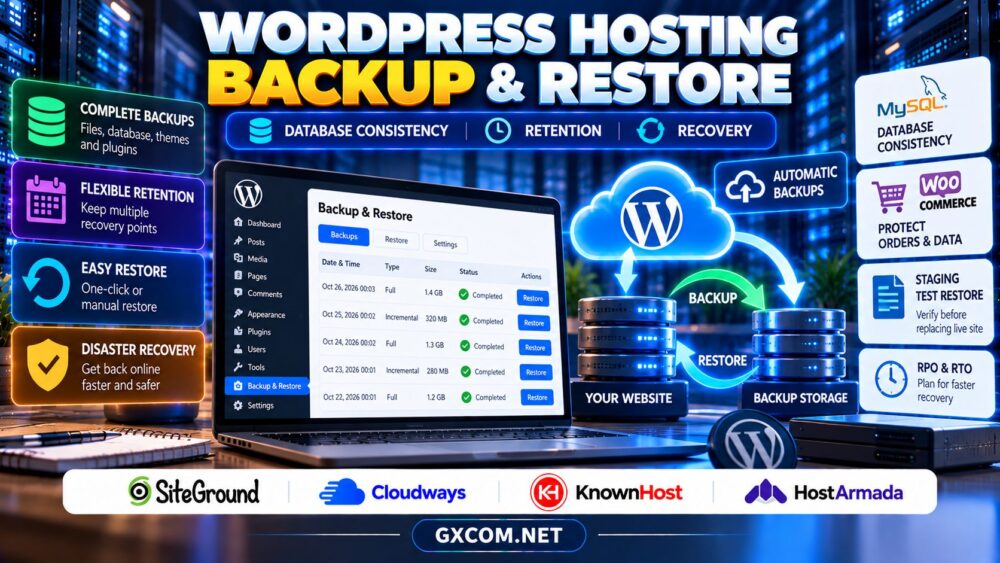
Why WordPress Backups Need Special Attention
WordPress stores content, settings, user accounts, and many plugin records in a database. Themes, plugins, uploaded media, and other application files live in the filesystem. A complete recovery normally requires compatible copies of both.
If database and file backups represent different moments, restored websites may contain missing media, incompatible plugin versions, or broken functionality. The risk increases when websites process frequent orders, registrations, or membership changes.
1. Database Consistency: More Than Exporting MySQL
Database consistency means a backup represents a recoverable state rather than a collection of unrelated changes captured during active transactions.
For MySQL or MariaDB, the appropriate backup method depends on storage engines, transaction behavior, and the hosting environment. Transaction-aware logical backups or properly coordinated physical snapshots can help produce consistent recovery points.
However, a database-consistent snapshot does not automatically synchronize uploaded files or external services. Ask your hosting provider how it coordinates WordPress files and databases, particularly during active traffic.
Our web hosting backup policies guide covers provider retention rules and general restoration limitations.
2. WooCommerce Orders and Membership Data
Dynamic WordPress applications require extra recovery planning. WooCommerce stores orders and related business records in database tables, while membership plugins may continuously update subscriptions, permissions, and activity.
Restoring an older database can overwrite newer orders or customer changes. Even if the website becomes available again, its records may no longer match payment processors, email notifications, or external inventory systems.
Before restoration, preserve the current database when possible. Identify transactions created after the backup and establish a reconciliation procedure. For busy stores, consider whether more frequent backups or database recovery techniques are necessary.
3. Backup Retention and Recovery Points
A daily backup schedule does not guarantee adequate protection. Retention determines how far back you can recover when malware, accidental deletion, or database corruption goes unnoticed.

Check how many recovery points your hosting plan retains, whether manual backups count toward storage limits, and what happens when your subscription changes or expires.
Recovery Point Objective (RPO) describes the maximum acceptable data loss measured in time. Recovery Time Objective (RTO) describes the target time for restoring service. Define these according to website importance rather than assuming one policy suits every WordPress installation.
4. Full, Incremental and Offsite Backups
Full backups capture a complete selected dataset. Incremental backups record changes since an earlier backup, potentially reducing storage and transfer requirements. Their recovery procedures can be more complex because multiple backup components may be needed.
Offsite copies reduce dependence on a single hosting account or server. For important websites, maintain independent backups with appropriately restricted access and periodically verify that they can be downloaded and restored.
Remember that object caching and backups serve different purposes. Our WordPress hosting with Redis guide explains performance caching, which cannot replace durable database recovery.
5. Four WordPress Hosting Providers to Compare
SiteGround
SiteGround is relevant for WordPress owners evaluating managed backup and recovery workflows. Check the selected plan’s current retention policy, restoration tools, staging availability, and conditions for creating additional backup points.
Cloudways
Cloudways is worth considering when comparing managed cloud environments and application recovery options. Review backup frequency, storage arrangements, restoration controls, and whether application-level recovery meets your database consistency requirements.
KnownHost
KnownHost belongs on the shortlist for buyers prioritizing managed hosting responsibilities. Confirm the exact product’s backup coverage, retention rules, restoration assistance, and whether additional protection requires a separate service.
HostArmada
HostArmada can be evaluated for WordPress hosting and website recovery needs. Compare backup availability, restoration procedures, storage limitations, and support responsibilities across the relevant hosting tiers.
For broader infrastructure decisions, see our managed cloud hosting comparison. Backup capabilities should be checked separately for each product.
6. Restore WordPress Safely Using Staging
A staging environment provides a safer place to validate a backup before replacing a production website. Restore the database and files, then verify administrator access, media, plugins, scheduled tasks, and application functionality.
For WooCommerce, test product pages, customer accounts, checkout, and order records without triggering real transactions. Membership websites should verify permissions and subscription status.
Do not blindly push a staging database over production when new transactions have occurred. Establish a maintenance window or a selective recovery procedure where appropriate.
7. What Managed WordPress Support Covers
Managed hosting can simplify backups, but responsibilities vary. A provider may restore infrastructure or an account without repairing a broken custom plugin, reconciling missing orders, or rebuilding third-party integrations.
Ask whether restoration is self-service, whether support assistance is included, and how urgent incidents are escalated. Document who owns domain access, independent backups, and the final decision to restore production data.
Our managed hosting provider review offers additional context on support responsibilities, not a guarantee about the four providers compared here.
8. Calculate Backup and Recovery Costs
Compare hosting renewal fees alongside backup storage, premium recovery tools, additional snapshots, and potential technical labor. A cheaper plan may become costly if restoring an important website requires paid assistance or prolonged downtime.

Review our web hosting deals when evaluating purchase opportunities, but verify that the advertised package includes the protection your application requires.
Compare WordPress Hosting Backup Options
Check database recovery, retention periods, staging tools, and support terms before choosing a hosting plan.
WordPress Backup and Restore FAQ
Can I restore WordPress without losing recent orders?
Sometimes, but a full database rollback may remove newer transactions. Preserve current records and plan reconciliation or selective recovery before restoring.
Are daily backups enough for WooCommerce?
Not necessarily. Busy stores may require more frequent recovery points depending on acceptable data loss and transaction volume.
Does a successful backup guarantee recovery?
No. Recovery depends on backup integrity, compatible files and databases, access to required services, and tested restoration procedures.
Final Verdict
Reliable WordPress hosting backup and restore requires more than scheduled copies. Compare SiteGround, Cloudways, KnownHost, and HostArmada using database consistency, retention, recovery testing, and support responsibilities. Choose a plan that protects your actual business data and provides a recovery process your team can execute.