Running a large Minecraft modpack is very different from hosting a small vanilla survival server. Hundreds of mods can introduce complex world generation, automation systems, additional dimensions, persistent entities, and heavier background processing. Choosing the wrong hosting plan may lead to slow chunk loading, long startup times, and unstable tick performance.
Effective Minecraft server hosting for large modpacks requires balanced RAM, strong CPU performance, and reliable storage. This guide explains how to estimate resources, compare hosting options, and prepare a modded server for long-term growth without paying for unnecessary hardware.
Why Large Minecraft Modpacks Need More Resources
Modpacks change how Minecraft uses server resources. Technology-focused packs may continuously process machines and automation networks, while exploration packs generate additional structures, biomes, and dimensions. Large multiplayer communities add simultaneous player activity to these workloads.
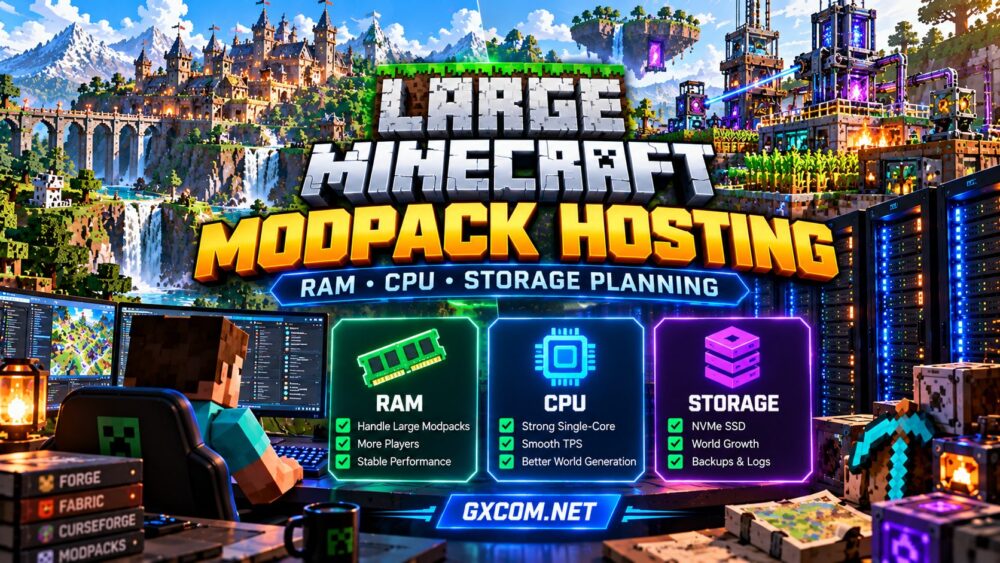
Three hardware components deserve particular attention:
- RAM: Holds loaded chunks, entities, mod data, and active Java objects.
- CPU: Processes game ticks, entity behavior, automation, and world generation.
- Storage: Handles world files, modpack assets, logs, backups, and disk operations.
A balanced configuration matters more than maximizing one specification. For foundational hardware guidance, see our Minecraft server RAM requirements guide.
How Much RAM Does a Large Minecraft Modpack Need?
RAM requirements depend on the modpack, Minecraft version, player activity, and world complexity. The number of installed mods alone cannot predict memory usage because individual mods vary considerably in resource consumption.
The following ranges are practical starting points for planning, not guaranteed requirements.
| Modpack Workload | Suggested Server RAM | Typical Scenario |
|---|---|---|
| Lightly modded | 4–6 GB | Small private groups |
| Medium modpack | 6–8 GB | Moderate exploration and automation |
| Large modpack | 8–12 GB | Complex packs and active communities |
| Very demanding modpack | 12–16 GB or more | Heavy automation, large worlds, or substantial concurrency |
Always consult the modpack publisher’s server requirements before purchasing hosting. Some packs need substantially different allocations from these estimates.
RAM Allocation vs Total Server Memory
On a self-managed VPS, the operating system, control panel, and background services also consume memory. A server with 12 GB of total RAM should not automatically assign all 12 GB to the Java heap.
Leave sufficient headroom for the operating system and native Java memory. Excessive heap allocation can also produce longer garbage-collection pauses under certain workloads.

CPU Performance: Why Clock Speed and Architecture Matter
Minecraft servers use multiple threads, but critical game-loop operations remain sensitive to individual-core performance. More virtual CPU cores do not automatically improve server tick rates.
When comparing plans, examine CPU generation, sustained performance, resource-sharing policies, and whether the provider discloses processor information. A modern high-performance CPU can outperform an older processor with a larger advertised core count.
World generation, automated farms, and complex entity behavior can create short processing spikes. These may reduce ticks per second even when memory usage appears normal.
For a deeper explanation, read our high-frequency CPU guide for game servers.
Storage Planning: NVMe, World Size and Backups
Large modpacks need storage for more than their initial installation. Exploration expands world files, while scheduled backups and server logs gradually consume additional capacity.
NVMe SSD storage can improve file access and help with disk-intensive operations, although it cannot compensate for an overloaded CPU or poorly optimized modpack.
Before selecting a hosting plan, estimate space for the modpack, current world, expected world growth, logs, and backup retention. Keeping several backup copies on the same disk can quickly exhaust available capacity.
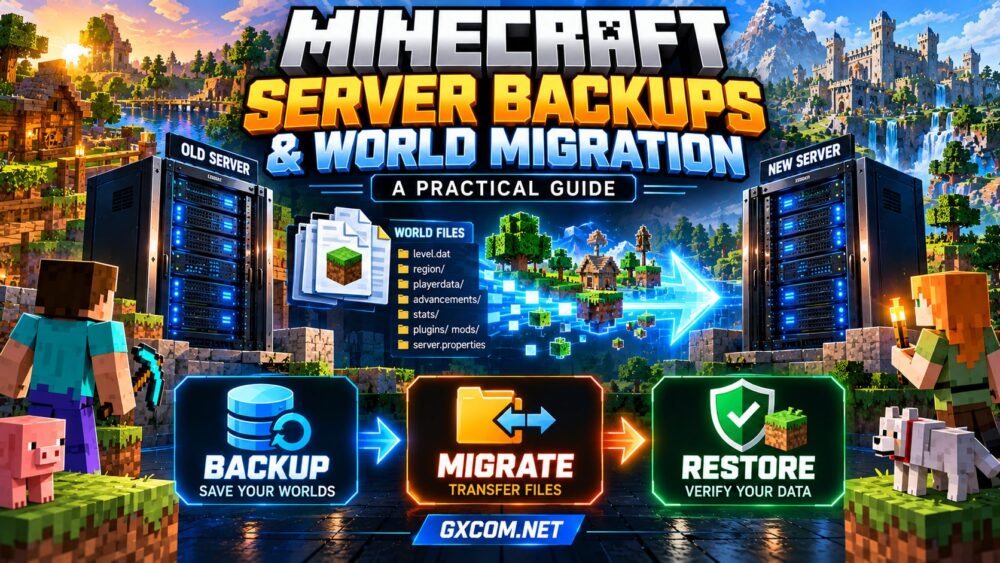
External backups provide additional protection against server or storage failures. Our Minecraft backup and world migration guide explains the broader recovery workflow.
Matching Hosting Resources to Player Activity
Player count is useful for capacity planning, but concurrent behavior matters more than a simple slot limit. Ten players exploring separate unexplored regions may generate greater load than a larger group remaining near an established base.
Monitor tick performance, memory usage, entity counts, and chunk generation during realistic gameplay. Test the server with the actual modpack rather than relying exclusively on generic player-capacity estimates.
For growing communities, prioritize plans that allow resource upgrades without requiring a complete server rebuild.
Choosing a Hosting Provider for Large Modpacks
Managed game hosting is often convenient for administrators who want a control panel and simplified deployment. A gaming VPS offers greater operating-system control but also requires more technical responsibility.
Several providers are worth evaluating when comparing modded Minecraft hosting options:
Godlike.Host and Sparked Host
Godlike.Host and Sparked Host are candidates for administrators comparing game-focused hosting services. Check the current plan specifications, modpack installation methods, upgrade options, and support documentation before choosing either provider.
ScalaCube and Supercraft.host
ScalaCube and Supercraft.host provide additional options to investigate for Minecraft-focused deployments. Confirm compatibility with your exact mod loader, modpack version, and required server files rather than assuming every package is supported.
AlphaVPS for Self-Managed Hosting
AlphaVPS is an infrastructure-oriented alternative for administrators comfortable managing a VPS. This approach can provide more control over Java, server files, and system configuration, but installation, security, maintenance, and troubleshooting become the administrator’s responsibility.
Compare these approaches in our modded Minecraft server hosting guide.
How to Optimize a Large Modpack Before Upgrading
Buying additional resources should not be the first response to every performance problem. Begin by checking whether the workload is caused by memory pressure, slow ticks, excessive entities, or unnecessary chunk loading.
- Use the Java version recommended by the modpack publisher.
- Install the correct Forge, Fabric, NeoForge, or other required loader.
- Reduce simulation distance when gameplay permits.
- Investigate unusually demanding farms and entity concentrations.
- Review profiling data before removing mods or changing JVM settings.
- Test backups and updates before applying changes to production worlds.
Our Minecraft server performance optimization guide covers additional troubleshooting techniques.

Large Modpack Hosting Checklist
Before purchasing a plan, verify the following:
- The exact modpack and server loader are supported.
- Available RAM includes appropriate operating-system headroom.
- CPU performance is suitable for demanding game ticks.
- SSD capacity accommodates world growth and backup requirements.
- Server location is appropriate for your player community.
- Upgrade, migration, and cancellation terms are clearly documented.
Frequently Asked Questions
Is 8 GB RAM enough for a large Minecraft modpack?
Sometimes. Eight gigabytes may support certain large packs with modest concurrency, but demanding automation, exploration, or additional players can require more. Follow the pack’s recommendations and monitor real usage.
Does a Minecraft modpack server need NVMe storage?
NVMe is beneficial but not universally mandatory. Reliable SSD storage is generally preferable to slow disks, especially for expanding worlds and frequent file operations.
Should I choose managed hosting or a VPS?
Choose managed hosting for convenience and a VPS for greater system-level control. The better option depends on technical experience, required customization, and willingness to maintain the server.
Final Thoughts
The best hosting configuration for a large Minecraft modpack balances memory capacity, strong CPU performance, and sufficient storage headroom. Start with the modpack’s published requirements, measure actual performance, and choose a provider with a practical upgrade path.
By evaluating Godlike.Host, Sparked Host, ScalaCube, Supercraft.host, and AlphaVPS according to your specific workload, you can make a more informed hosting decision without relying on advertised player slots alone.