A gaming VPS can have fast processors, generous memory, and NVMe storage yet still deliver frustrating multiplayer performance. The missing factor is often network quality.
Understanding VPS network performance for gaming means looking beyond advertised bandwidth. Latency, jitter, packet loss, routing, and congestion determine how reliably game traffic moves between players and servers.
This guide explains the essential metrics, practical testing methods, and hosting decisions that can improve multiplayer responsiveness.
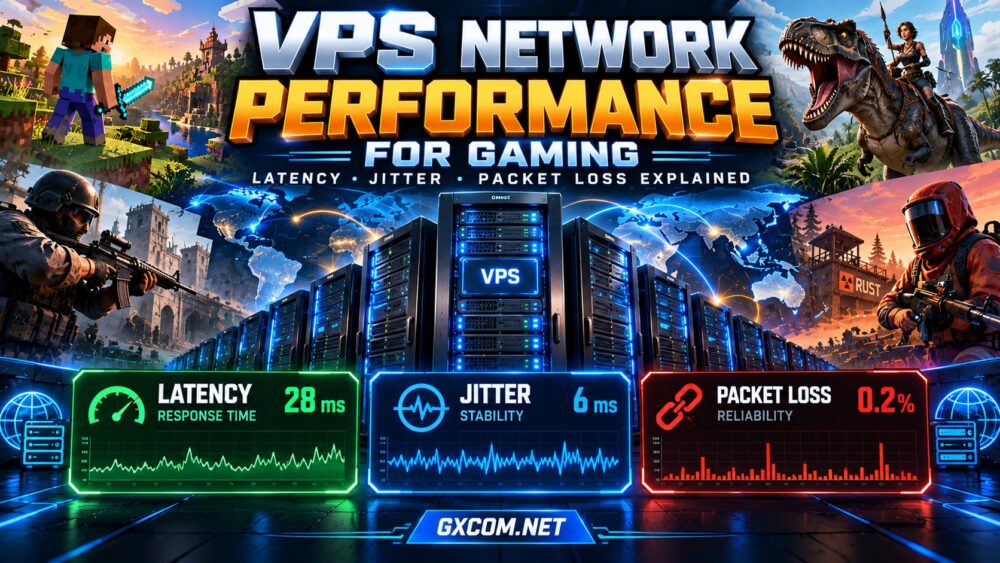
Why Network Performance Matters for Gaming VPS
Multiplayer games continuously exchange information about movement, actions, positions, and world changes. Delayed or missing packets can cause rubber-banding, inconsistent hit registration, or delayed interactions.
However, network problems are not the only source of lag. CPU saturation, insufficient memory, overloaded plugins, and unstable server tick rates can produce similar symptoms.
Before upgrading hardware, determine whether the bottleneck is network-related. Our game server lag reduction guide covers these broader causes.
1. Latency: How Quickly Packets Travel
Latency measures the time required for information to travel across a network. Ping commonly reports round-trip time in milliseconds (ms), although ICMP ping results may not exactly match game traffic.
Lower latency generally improves responsiveness, particularly in competitive shooters and fast-paced multiplayer games.
| Round-Trip Latency | General Interpretation |
|---|---|
| Under 30 ms | Typically very responsive |
| 30–60 ms | Generally comfortable |
| 60–100 ms | Playable for many games |
| Over 100 ms | Delay may become noticeable |
These ranges are illustrative, not universal thresholds. Game mechanics, netcode, player expectations, and latency stability all affect the experience.
2. Jitter: Why Stable Ping Matters
Network jitter describes variation in packet delay. A connection averaging 35 ms may feel inconsistent if individual packets arrive much later than others.
High jitter can cause movement corrections, irregular updates, and unpredictable responsiveness. It may result from network congestion, unstable routing, wireless interference, or overloaded infrastructure.
Evaluate latency across multiple sessions instead of relying on one favorable measurement. Compare average delay with its variation and watch for repeated spikes during busy periods.
Consistent latency is often more useful than an impressive minimum ping that cannot be sustained.
3. Packet Loss: Missing Game Updates
Packet loss occurs when transmitted packets fail to reach their destination. Depending on the game’s networking design, lost packets may trigger retransmission, correction, or skipped updates.

Symptoms include rubber-banding, delayed interactions, and temporary disconnections. Persistent loss deserves investigation even when average latency appears acceptable.
Possible causes include congested links, faulty equipment, filtering, unstable routes, or problems on the player’s local connection.
Remember that ICMP probes may be deprioritized. Apparent loss at an intermediate router does not necessarily mean game packets are being lost end to end.
4. Routing, Peering, and Server Location
The shortest geographic distance does not always produce the fastest network path. Internet traffic crosses multiple networks, and inefficient routing or congested interconnections can increase delay.
Choose VPS locations based on where most players actually connect. Test representative routes from their regions instead of selecting a data center solely because it appears nearby.
For an international community, one central location may provide a reasonable compromise, while separate regional servers may deliver better experiences.
Read our best VPS server locations for gaming guide for regional selection strategies.
5. Bandwidth Is Not the Same as Network Quality
A VPS advertised with a 1 Gbps port does not guarantee that every player receives low latency or uninterrupted throughput.
Port speed represents nominal connection capacity. Real-world performance also depends on contention, provider routing, transfer policies, packet processing, and destination networks.
Likewise, an unmetered connection may still have port limits or acceptable-use conditions. Review monthly transfer allowances and potential overage charges.
For most multiplayer communities, predictable packet delivery and stable routes matter more than purchasing the largest advertised port.
6. How to Test Gaming VPS Network Performance
Use repeatable tests before purchasing a long-term plan or migrating an established community.
- Identify player regions: Determine where your regular players connect from.
- Measure latency: Run repeated ping tests where ICMP is supported.
- Inspect routes: Use traceroute or MTR to identify unusual path changes.
- Check packet loss: Measure end-to-end behavior over multiple sessions.
- Test peak periods: Compare results during quiet and busy hours.
- Validate in-game: Monitor real player experience alongside server metrics.
Where providers offer test IP addresses or looking-glass tools, use them. Test results from another region should not be treated as proof of performance for your own players.
For self-managed servers, monitor CPU utilization and tick performance during testing to avoid confusing processing delays with network instability.
7. Compare Gaming VPS and Managed Hosting Options
AlphaVPS is an infrastructure-oriented option to investigate when you want to configure and manage your own gaming VPS. Verify the available locations, virtualization resources, network terms, and suitability for your game.
Sparked Host and Godlike.Host are game-focused hosting alternatives worth evaluating when convenient management is a priority. Compare supported games, server locations, resource allocation, and available network information.
Host Havoc can also be considered for managed game hosting. Check the specific product’s region, configuration flexibility, support arrangements, and network protection.
These providers serve different hosting needs. Do not assume a managed game instance includes a self-managed VPS or exclusive physical hardware.
Our gaming VPS hosting comparison provides additional purchasing context.
8. Diagnose Lag Before Paying for an Upgrade
| Symptom | Possible Cause | First Check |
|---|---|---|
| Consistently high ping | Distance or routing | Location and route tests |
| Sudden ping spikes | Jitter or congestion | Repeated latency measurements |
| Rubber-banding | Loss or server lag | Packet loss and tick rate |
| Lag under heavy load | CPU or network contention | Resource and traffic monitoring |
If server processing is the actual bottleneck, switching network providers may accomplish little. Check our gaming VPS requirements guide before increasing resources.

Frequently Asked Questions
What Is a Good Ping for a Gaming VPS?
Lower and more consistent ping is generally preferable. Competitive games are especially sensitive, but acceptable latency depends on the game and player expectations.
Can a Faster VPS Reduce Packet Loss?
Only when the underlying problem involves server resource limitations. Network congestion, routing issues, and faulty connections require different solutions.
Does a 1 Gbps Port Guarantee Low Latency?
No. Port capacity and packet delay measure different properties. Routing quality and congestion remain important.
Is Jitter Worse Than High Ping?
Both can harm gameplay. High but stable latency creates predictable delay, while severe jitter produces inconsistent timing. The impact depends on the game.
Final Verdict
Strong VPS network performance for gaming depends on stable latency, minimal packet loss, reliable routing, and adequate capacity—not headline bandwidth alone.
Test from real player regions, compare equivalent hosting products, and investigate server-side bottlenecks before upgrading. The right network can make modest hardware feel considerably more responsive.