Choosing between Minecraft Java Edition and Bedrock Edition is about more than deciding which version of the game looks or feels better. If you plan to host a multiplayer world, your choice affects who can join, which plugins and mods you can install, how much hardware you need, and which hosting service makes sense.
Understanding Minecraft Java vs Bedrock server hosting is especially important for communities with players using different devices. A server built for PC enthusiasts may have very different requirements from one designed for families playing across consoles, smartphones, and Windows computers.
This guide explains the differences that matter when choosing a Minecraft hosting plan, including compatibility, cross-play, customization, performance, and provider selection.
Minecraft Java vs Bedrock: What Is the Difference?
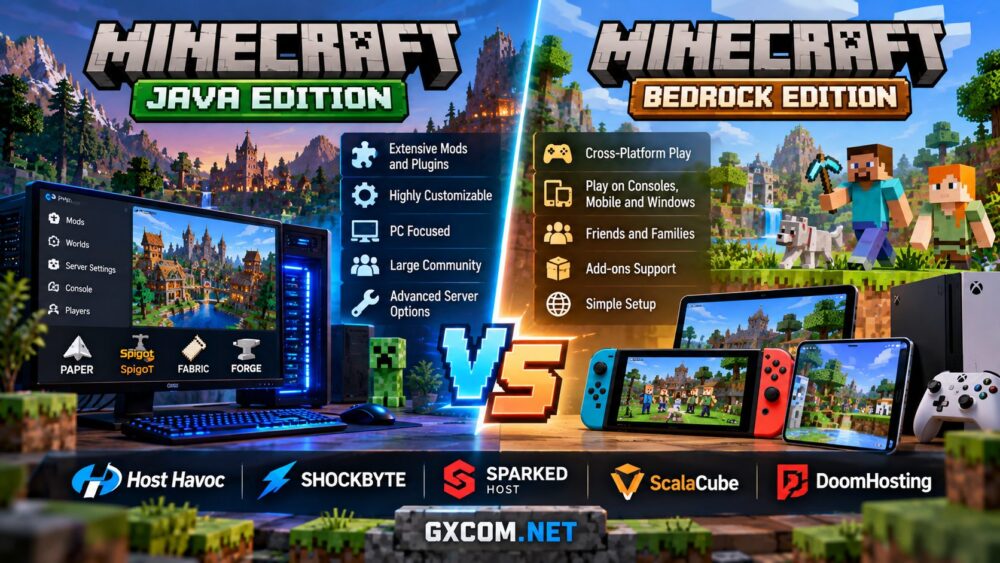
Minecraft Java Edition runs on Windows, macOS, and Linux computers. It has a long-established ecosystem of community server software, plugins, and modifications, making it particularly attractive to experienced players and administrators.
Minecraft Bedrock Edition supports a wider range of devices, including Windows PCs, mobile phones, and major gaming consoles. It is generally the more practical choice when friends or family members want to play together using different types of hardware.
Both editions support multiplayer servers, but they use different server software and network protocols. A standard Java server does not accept Bedrock clients directly, and a standard Bedrock server does not accept Java clients directly.
| Feature | Java Edition | Bedrock Edition |
|---|---|---|
| Player devices | Windows, macOS, Linux | Windows, mobile, consoles |
| Server software | Java server and compatible alternatives | Bedrock Dedicated Server |
| Customization | Extensive plugin and mod ecosystem | Add-ons and Bedrock-compatible tools |
| Cross-platform play | Primarily desktop Java players | Multiple Bedrock-supported devices |
| Typical network port | 25565/TCP | 19132/UDP for IPv4 |
| Best suited for | Modded and customized communities | Friends using different devices |
The right edition depends on your players. Before purchasing hosting, ask everyone which Minecraft edition they use. This simple step can prevent compatibility problems later.
Cross-Play: Can Java and Bedrock Players Join the Same Server?
By default, Java and Bedrock players cannot join the same multiplayer server. However, community-developed software can bridge this gap in certain configurations.
GeyserMC allows compatible Bedrock clients to connect to a Java-based server by translating network communication. The optional Floodgate component can also allow Bedrock players to authenticate without owning a separate Java Edition account.
This solution is useful for mixed-device communities, but it is not identical to native cross-play. Differences in gameplay mechanics, inventories, plugins, and client behavior can create limitations. Console connections may also require additional setup.

If cross-play matters, choose a host that supports the necessary server software and networking configuration. Ask whether GeyserMC, Floodgate, and the required UDP port can be configured before ordering.
Mods, Plugins, and Customization
Java Edition is usually the stronger option for administrators who want extensive customization. Popular server ecosystems include Paper for compatible plugins and Fabric or NeoForge for supported modifications.
Java communities can build specialized survival worlds, role-playing servers, minigame networks, and heavily modified experiences. However, plugins and mods are not interchangeable, and some require specific server versions or client installations.
Bedrock Edition supports add-ons, behavior packs, and resource packs, but its customization ecosystem works differently. Java plugins cannot simply be copied into a Bedrock Dedicated Server.
For beginners, a managed hosting plan with an easy-to-use control panel can simplify installation and updates. Our best Minecraft server hosting comparison explores suitable options for different communities.
Performance, RAM, and Hardware Requirements
There is no universal answer to whether Java or Bedrock hosting performs better. Bedrock server software can be relatively lightweight for some workloads, while Java performance varies significantly with server implementation, world activity, and installed modifications.
For Java hosting, processor single-thread performance is particularly important because many game simulation tasks remain sensitive to the speed of individual CPU cores. Fast NVMe storage can help with world loading and saving, while sufficient RAM reduces memory pressure.
Bedrock servers also need adequate CPU, memory, and network capacity. A busy world with many players, complex constructions, or automated farms can still demand substantial resources.
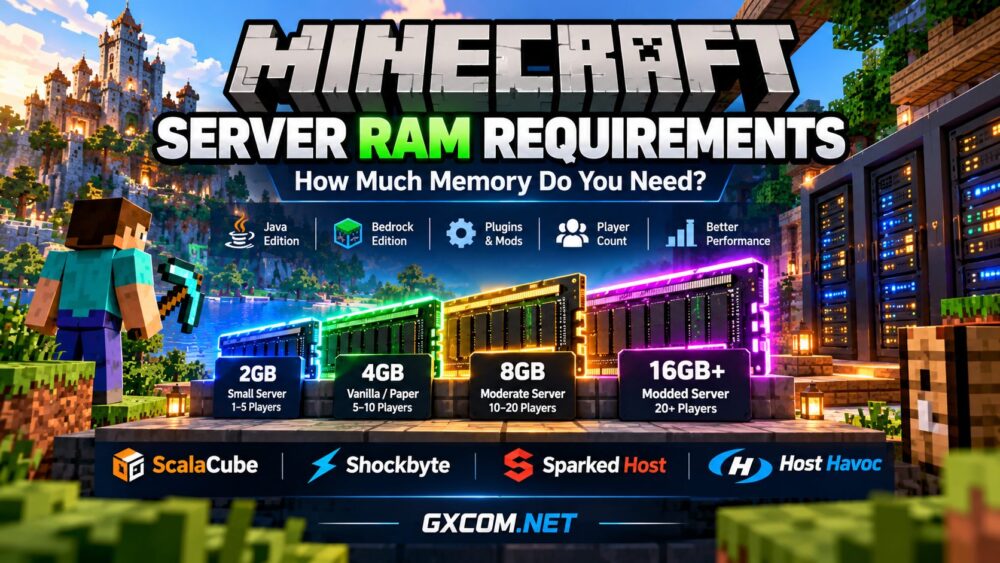
Rather than buying the largest plan immediately, estimate your expected player count, view distance, world complexity, and modification requirements. Our Minecraft server RAM requirements guide explains how to plan memory allocation more effectively.
For either edition, prioritize stable hardware resources, reliable networking, suitable data center locations, and recoverable backups over impressive-looking specifications alone.
Choosing the Right Minecraft Hosting Provider
Several game hosting providers offer Minecraft-focused services, but their strengths differ. A suitable provider should support your chosen edition, the required server software, and the level of administration you expect.
Shockbyte is worth considering for players seeking a managed Minecraft environment with game-focused administration tools. Its hosting options can appeal to beginners who prefer a control panel instead of configuring an operating system manually.
Sparked Host is another relevant option, particularly for Java communities interested in plugins, modpacks, and convenient server management through its Apollo panel. Confirm the supported software and plan resources for your intended setup.
ScalaCube offers Minecraft hosting aimed at players who value straightforward deployment and access to common server management features. Compare available edition support and configuration options before selecting a plan.
DoomHosting provides another Minecraft hosting alternative for communities evaluating managed deployment and game-specific server plans. Check the available locations, supported versions, and backup arrangements against your requirements.
Host Havoc is also a relevant candidate for Minecraft communities that want to compare established game hosting infrastructure and management features.
No provider is automatically best for every server. Before committing, verify Java or Bedrock compatibility, modpack support, available RAM, CPU resources, server location, renewal terms, and the ability to export your world files.
Managed Hosting, VPS, or Minecraft Realms?
Managed Minecraft hosting is generally the easiest starting point for communities that want a persistent multiplayer world without extensive technical administration.
A self-managed VPS provides greater operating system control and software flexibility, but you must handle installation, security, updates, and troubleshooting. Our managed vs self-hosted game servers comparison explains when each approach makes sense.
Minecraft Realms is another option for smaller private groups that prioritize simplicity. However, Realms has player limits and fewer administrative options than many independently hosted servers.
If you are building a public community, running extensive modifications, or planning multiple game modes, a dedicated Minecraft hosting service may offer more flexibility.

Frequently Asked Questions
Is Java or Bedrock better for a Minecraft server?
Java is generally preferable for extensive mods, plugins, and desktop-focused communities. Bedrock is usually more convenient for groups playing across mobile devices, consoles, and Windows PCs.
Can Bedrock players join a Java server?
Not directly. Compatible Java servers can use GeyserMC to support Bedrock connections, although some features and gameplay behaviors may differ.
Does Bedrock hosting require less RAM?
It can be less demanding in some situations, but actual memory needs depend on player count, world activity, server software, and configuration.
Can I change my Minecraft server from Java to Bedrock?
Switching editions generally requires different server software and may require world conversion. Mods, plugins, inventories, and world features might not transfer correctly. Always preserve a complete backup before attempting migration.
Final Verdict: Which Minecraft Server Should You Host?
For PC-based communities that value advanced modifications and flexible administration, Minecraft Java server hosting is usually the better fit. Its mature ecosystem provides extensive options for customized multiplayer experiences.
For families and gaming groups using consoles, mobile devices, and Windows PCs, Minecraft Bedrock server hosting offers broader native device compatibility.
If your community includes both editions, investigate a compatible Java server with GeyserMC before committing to a hosting plan. Cross-play requires planning rather than assuming every Minecraft server supports it.
Ultimately, choose the edition your players actually use, then select hosting that provides the performance, compatibility, management features, and reliability your community needs.
For a broader understanding of multiplayer infrastructure, explore our game server hosting guide before making your final decision.