Rust server plugins and mods let community owners customize gameplay, introduce administration tools, manage permissions, and create experiences beyond the standard Rust server.
However, choosing between Carbon and Oxide, often associated with uMod, requires more than downloading a plugin. Framework compatibility, dependencies, game updates, and resource usage can determine whether a modded server remains stable.
This guide explains how Rust plugin frameworks work, how to evaluate compatibility, and what to check before choosing hosting for a customized community.
How Do Rust Server Plugins Work?
Rust plugins extend server-side functionality through supported modding frameworks. Common applications include permissions, moderation, custom commands, economy systems, events, and quality-of-life features.
Unlike client-side modifications, many server plugins operate without requiring every player to install additional software. Nevertheless, plugins cannot freely change every aspect of the game, and their capabilities depend on available server interfaces.
Before modifying a production server, review our 《Rust》专用服务器设置指南 to establish a reliable installation and management foundation.
Carbon vs Oxide: Key Differences
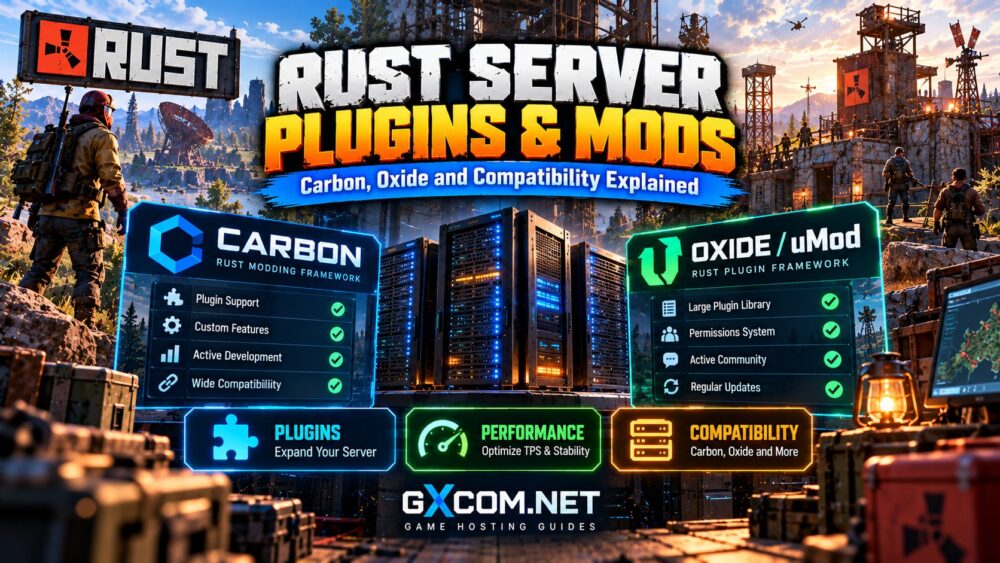
Carbon and Oxide are frameworks used to run and manage plugins for Rust servers. Both can support customized communities, but their implementation details and compatibility requirements differ.
| 功能 | Carbon | Oxide / uMod |
|---|---|---|
| 主要目的 | Rust server modification framework | Plugin framework with an established Rust ecosystem |
| Plugin compatibility | Supports many Oxide-style plugins, subject to compatibility | Designed for plugins targeting its APIs |
| 管理 | Framework-specific tools and configuration | Commands, permissions, and plugin configuration |
| 更新 | Requires framework and plugin compatibility checks | Requires framework and plugin compatibility checks |
| Best selection method | Test required plugins on your target version | Verify required plugins and dependencies |
What Is Carbon for Rust?
Carbon is a Rust-focused modding framework that provides plugin execution and administration capabilities. It aims to support a broad range of existing Oxide-style plugins while offering its own framework features.
Compatibility is not guaranteed for every plugin. Extensions relying on particular hooks, libraries, or framework behavior may need changes or specific versions.
What Is Oxide / uMod?
Oxide is a long-established modding framework associated with the uMod ecosystem. It provides APIs, hooks, and permissions used by numerous Rust plugins.
Because plugin maintenance varies by developer, administrators should verify recent updates and compatibility rather than assuming every downloadable plugin remains functional.
Are Carbon and Oxide Plugins Compatible?
Many Oxide-oriented Rust plugins can run under Carbon, but Carbon compatibility does not mean universal compatibility.

Problems may arise from unsupported hooks, external libraries, framework-specific commands, dependencies, or changes introduced by Rust updates.
Use this verification process:
- Confirm the plugin supports your current Rust server version.
- Check whether the developer documents Carbon or Oxide support.
- Identify required extensions and other plugin dependencies.
- Install the plugin on a staging server first.
- Inspect console errors and test its main functions.
- Monitor performance before deploying it publicly.
A successful plugin load message does not necessarily prove that every feature works correctly.
How to Install and Manage Rust Plugins
Installation procedures depend on your framework, plugin type, and hosting control panel. Follow the framework's current documentation rather than assuming every plugin uses identical directories or commands.
Step 1: Back Up Your Server
Save configuration files, plugin data, permissions, and important world information before making changes.
Step 2: Install a Compatible Framework
Select a Carbon or Oxide release compatible with your Rust server build. Verify whether your host permits framework installation and updates.
Step 3: Add Plugins Gradually
Install one plugin at a time, confirm its dependencies, and review the configuration it generates. Avoid importing an entire plugin collection without testing.
Step 4: Configure Permissions
Grant administrative privileges only to trusted roles. Test player-facing commands with an account that lacks administrator permissions.
Step 5: Review Logs and Performance
Check startup output, runtime exceptions, plugin messages, and resource utilization. Document working versions so changes can be reversed.
Choosing Hosting for Modded Rust Servers
Hosting flexibility matters when your community relies on custom frameworks, frequent plugin changes, and persistent data.
DoomHosting 以及 GameServerKings are two approved providers worth investigating for Rust hosting requirements. Before purchasing, ask whether your selected plan supports the exact framework, plugin file access, and restart procedures you need.
Do not assume that a provider offering standard Rust hosting automatically supports every modding framework or custom extension.
Four Hosting Providers to Evaluate
DoomHosting
DoomHosting can be included in a comparison of game-hosting options. Confirm Rust availability, framework installation policies, file access, and backup controls for the specific package.
GameServerKings
GameServerKings is another candidate for managed Rust hosting. Check supported modifications, control-panel access, and available resources before selecting a plan.
Godlike.Host
Godlike.Host is relevant when comparing Rust community hosting. Verify Carbon or Oxide support, server locations, update handling, and resource allocation directly.
主持人哈沃克
主持人哈沃克 is also worth evaluating for managed multiplayer infrastructure. Review plugin-management options, support boundaries, and the recovery process after failed updates.
For broader provider-selection criteria, see our 最佳 Rust 服务器托管对比.
Do Rust Plugins Affect Server Performance?
Yes. Plugin overhead depends on code quality, execution frequency, data storage, and interactions with other plugins.
Repeated database operations, expensive event handlers, excessive timers, and poorly optimized entity processing can increase CPU usage or produce latency spikes.
Start with baseline measurements, then introduce plugins individually. Compare CPU utilization, memory consumption, console errors, and gameplay responsiveness under similar player loads.
我们的 Rust server lag and performance guide covers additional troubleshooting methods.
Managing Plugin Compatibility After Rust Updates
Rust updates can introduce changes that affect modding frameworks and plugin behavior. Administrators should prepare for maintenance rather than expecting every extension to work immediately.
Before updating, preserve working files, review framework announcements, and check critical plugin dependencies.
After updating, verify permissions, commands, scheduled events, data persistence, and player-facing features.
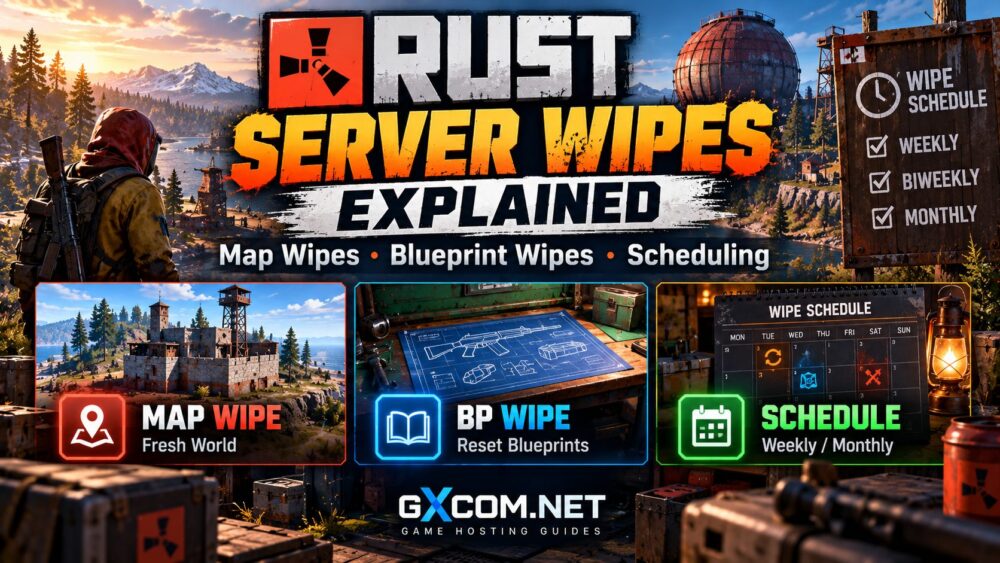
Coordinate major plugin changes with your wipe schedule when appropriate. Our Rust server wipes explained guide discusses map and blueprint reset planning.

Rust Plugin Compatibility Checklist
- Compatible Rust server and framework versions
- Documented Carbon or Oxide support
- Required plugin dependencies installed
- Correct permissions and configuration
- Reliable backups and rollback procedures
- Acceptable CPU and memory overhead
- Recent maintenance and developer documentation
- Hosting access sufficient for troubleshooting
常见问题解答
Is Carbon Better Than Oxide for Rust?
Neither framework is universally better. Choose according to required plugins, compatibility, administration preferences, and successful testing.
Can Oxide Plugins Run on Carbon?
Many can, but some require adjustments or are incompatible. Verify each essential plugin before migration.
Do Rust Players Need to Install Server Plugins?
Many server-side plugins require no separate client installation. Features that depend on client-side modifications may have different requirements.
Can Plugins Cause Rust Server Lag?
Yes. Poorly optimized or conflicting plugins can increase processing demands. Test changes individually and monitor server behavior.
Final Verdict: Prioritize Compatibility and Stability
成功 Rust server plugins and mods management depends on choosing a suitable framework, validating dependencies, testing updates, and monitoring resource usage.
Carbon and Oxide both deserve consideration, but a stable configuration matters more than the total number of installed plugins.
Before buying hosting, confirm framework support, administrative access, backups, and sufficient resources for your community's actual workload.
For infrastructure planning, consult our Rust server requirements guide.