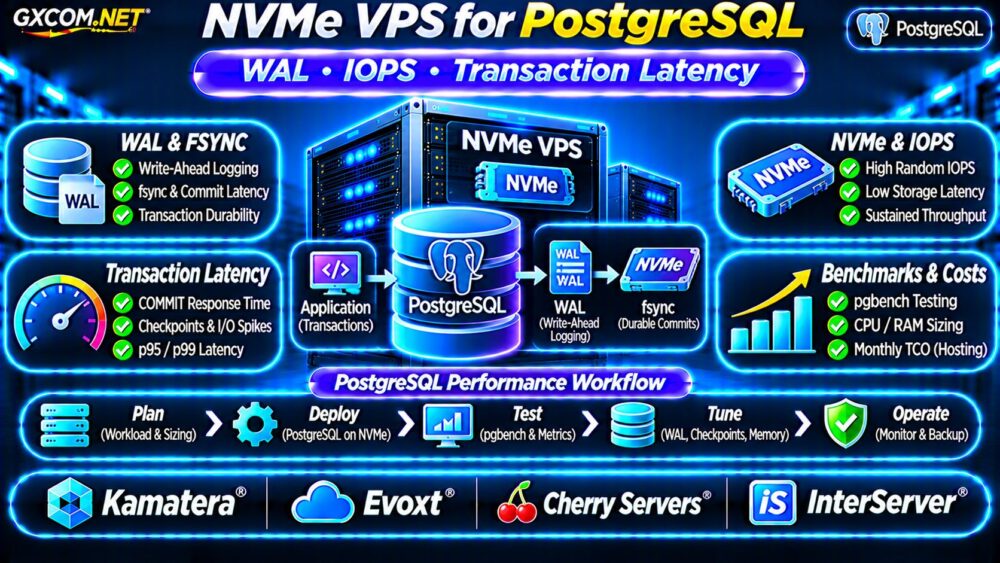
NVMe VPS disk latency matters more than advertised storage speed when hosting PostgreSQL, MySQL, or transaction-heavy applications. An NVMe-backed virtual server can deliver impressive sequential throughput while struggling with random writes, queue congestion, or inconsistent response times.
Before upgrading your VPS, investigate queue depth, IOPS limits, latency percentiles, and real database behavior. These measurements reveal whether storage performance is restricting your application.
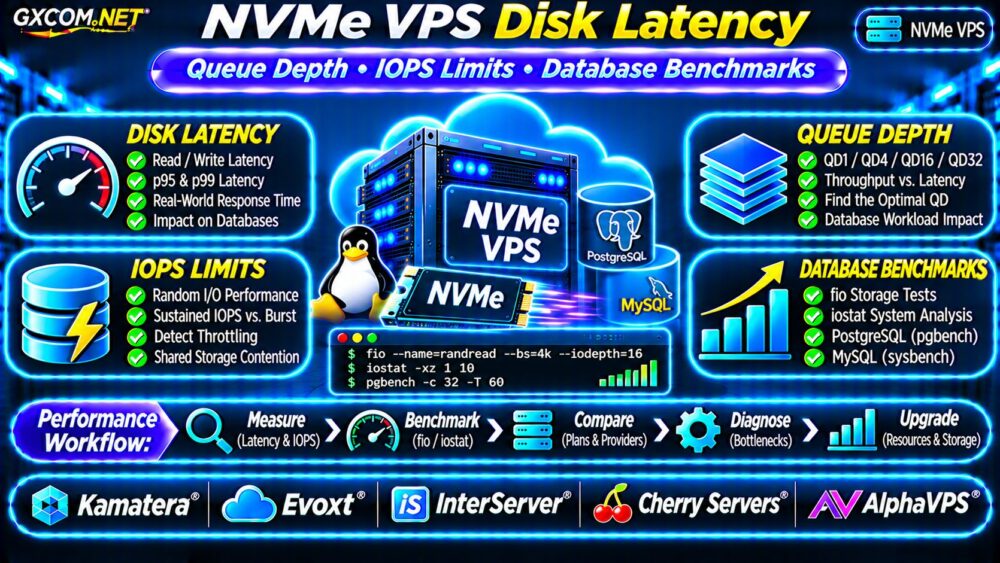
Why Can an NVMe VPS Still Be Slow?
NVMe describes a storage interface and protocol, not a guaranteed performance level for every virtual machine.
Virtualization, shared storage infrastructure, provider limits, filesystem behavior, and competing workloads can influence observed performance.
A provider advertising NVMe storage does not necessarily promise dedicated drives or unrestricted IOPS.
我们的 NVMe VPS 与 SSD 性能对比指南 explains the underlying technology differences.
Understand Disk Latency, IOPS and Throughput
Three measurements describe different aspects of storage performance:
- 延迟: Time required to complete an I/O operation.
- IOPS: Number of completed input/output operations per second.
- 吞吐量: Data transferred per second, commonly measured in MB/s.
A database performing small random writes may depend heavily on latency and IOPS. Large file transfers may benefit more from throughput.
For example, 10,000 IOPS using 4KiB operations represents approximately 39MiB/s of transferred data, assuming all operations transfer that block size.
Neither metric alone establishes database performance.
What Is Disk Queue Depth?
Queue depth describes the number of outstanding I/O requests waiting for or receiving service.
Higher queue depth can improve aggregate throughput by keeping storage devices busy. However, excessive outstanding requests can also increase individual operation latency.
For interactive databases, low-latency performance at modest queue depths may matter more than maximum throughput at heavily parallel settings.
Queue Depth and Database Workloads
| Test Pattern | What It Reveals |
|---|---|
| QD1 random read | Low-concurrency response time |
| QD4 mixed I/O | Moderate concurrent activity |
| QD16 random I/O | Higher outstanding request load |
| QD32+ sustained load | Aggregate performance and saturation |
These queue depths are illustrative testing points, not universal workload requirements.

Diagnose Linux VPS Storage with iostat
Install the sysstat package if necessary, then collect extended disk statistics:
iostat -xz 1 10评论 r_await, w_await, aqu-sz, and device utilization. These metrics help identify read/write delays and outstanding I/O.
High utilization alone does not prove a storage bottleneck, particularly with parallel-capable devices. Correlate disk metrics with application response times.
Benchmark NVMe VPS Storage Using fio
该 fio utility can generate repeatable synthetic workloads. Test within a dedicated file on a filesystem with sufficient free space.
fio --name=randread \
--filename=/var/tmp/fio-test.bin \
--size=1G --rw=randread \
--bs=4k --ioengine=libaio \
--direct=1 --iodepth=1 \
--runtime=60 --time_based=1 \
--group_reporting
This example measures 4KiB random reads with one outstanding request. For a meaningful result, ensure the test file is fully prepared and the working set reflects your intended cache behavior.
Repeat using suitable queue depths and mixed read/write patterns. Do not run aggressive benchmarks against production database files or during critical business operations.
Compare p95 and p99 Latency
Average latency can conceal occasional slow operations. Review the 95th and 99th percentile completion latency reported by fio.
A server with acceptable averages but frequent latency spikes may produce inconsistent transaction response times.
Compare results across multiple periods rather than trusting one short benchmark.
Identify VPS IOPS Limits and Throttling
Some VPS products enforce storage performance limits or share backend resources among customers.
Possible warning signs include sustained IOPS plateaus, increasing queue depth without higher throughput, and latency spikes under concurrent load.
However, these symptoms can also result from application behavior, filesystem activity, or underlying hardware constraints.
Ask providers whether IOPS limits are documented, whether burst performance differs from sustained performance, and how storage contention is managed.
Test Real PostgreSQL and MySQL Performance
Synthetic benchmarks are useful for comparing storage characteristics, but database performance also depends on caching, indexing, transaction concurrency, and write durability.
For PostgreSQL, pgbench can measure transaction throughput and latency using a representative test database.
For MySQL, tools such as sysbench can generate database workloads with configurable concurrency.
Measure transactions per second, p95/p99 application latency where available, and storage metrics simultaneously.
Ensure durability settings and database configuration remain consistent across comparisons. Avoid claiming a storage improvement based only on transactions per second.
When Should You Upgrade NVMe VPS Storage?
Consider an upgrade when repeatable tests show storage saturation and application latency improves with additional storage performance.
More vCPUs may not help a database waiting on synchronous disk writes. Likewise, faster storage may provide little benefit when inefficient SQL queries dominate execution time.
For broader VPS selection, consult our 最佳VPS服务商对比.
Five NVMe VPS Providers to Evaluate
These GXCOM.NET-approved affiliate providers are infrastructure candidates. Confirm NVMe availability and performance characteristics for each selected plan.
Kamatera: Flexible Infrastructure
卡马特拉 is worth comparing for configurable cloud resources. Verify storage options, documented performance characteristics, and scaling procedures.
Evoxt: Compact VPS Deployments
Evoxt may suit smaller applications and databases. Evaluate sustained random I/O latency, available RAM, and backup options.
InterServer: VPS Cost Comparison
InterServer provides another candidate for comparing VPS configurations and recurring expenses. Confirm storage technology and applicable resource policies.
Cherry Servers: Performance-Oriented Infrastructure
Cherry 服务器 is relevant for evaluating infrastructure with demanding storage requirements. Compare the actual storage architecture and isolation of available products.

AlphaVPS: Linux VPS Workloads
AlphaVPS can be assessed for Linux workloads where storage consistency matters. Review current disk specifications, network allowances, and management responsibilities.
Calculate the Cost of Better Storage
Suppose a hypothetical VPS costs $20 monthly, while an upgraded configuration costs $35 monthly.
The additional $15 monthly equals $180 annually or $540 over three years, excluding other changes.
Determine whether measured performance improvements justify the difference. Include backup storage, administration, and migration expenses in your comparison.
我们的 经济实惠的VPS服务商指南 provides additional budget-oriented context.
NVMe VPS 购买检查清单
- Confirm NVMe storage availability for the exact plan.
- Request sustained IOPS and throughput information.
- Measure QD1 and higher-concurrency latency.
- Review fio completion-latency percentiles.
- Validate results with representative database workloads.
- Compare upgrade costs and recovery options.
常见问题解答
Does NVMe Guarantee Low Database Latency?
No. Virtualization, shared storage, queue congestion, and workload characteristics affect observed latency.
Is Higher Queue Depth Always Better?
No. Higher concurrency may improve throughput while increasing individual request latency.
Can fio Predict PostgreSQL Performance?
It reveals storage characteristics but cannot replace realistic database benchmarks.
最终裁决
The best NVMe VPS is not necessarily the one advertising the highest IOPS. Consistent latency, appropriate queue-depth performance, and predictable database behavior are more useful purchasing criteria.
Compare Kamatera, Evoxt, InterServer, Cherry Servers, and AlphaVPS using verified specifications and repeatable workload tests before upgrading.