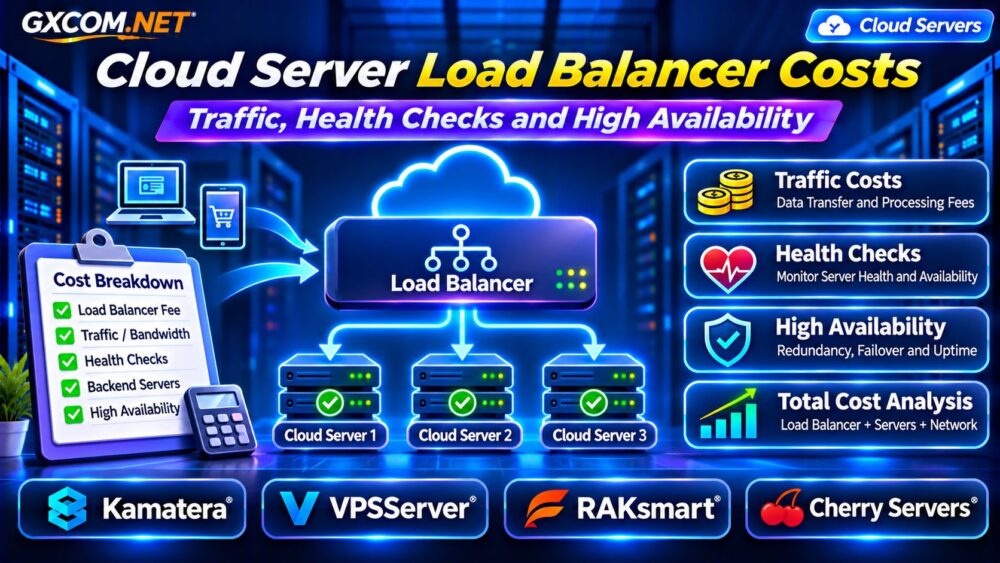
Cloud server disaster recovery determines how quickly a business can restore applications, databases, and customer services after infrastructure failure, accidental deletion, ransomware, or a regional outage. Having backups is important, but backups alone do not guarantee rapid recovery.
An effective disaster recovery plan connects recovery objectives, geographically separated data, standby infrastructure, and realistic operating costs. This guide explains RPO, RTO, backup regions, recovery architectures, and four infrastructure providers worth evaluating.
What Is Cloud Server Disaster Recovery?
Cloud disaster recovery (DR) is the process of restoring essential workloads after a disruptive event. It may involve recovering virtual machines, databases, application configurations, networking, and access credentials.
Unlike ordinary high availability, which attempts to minimize interruptions through redundancy, disaster recovery addresses broader failures that may require rebuilding services in another environment.
关于架构差异,请参阅我们的 高可用性云服务器指南.
RPO vs RTO: Understanding Recovery Objectives
恢复点目标(RPO)
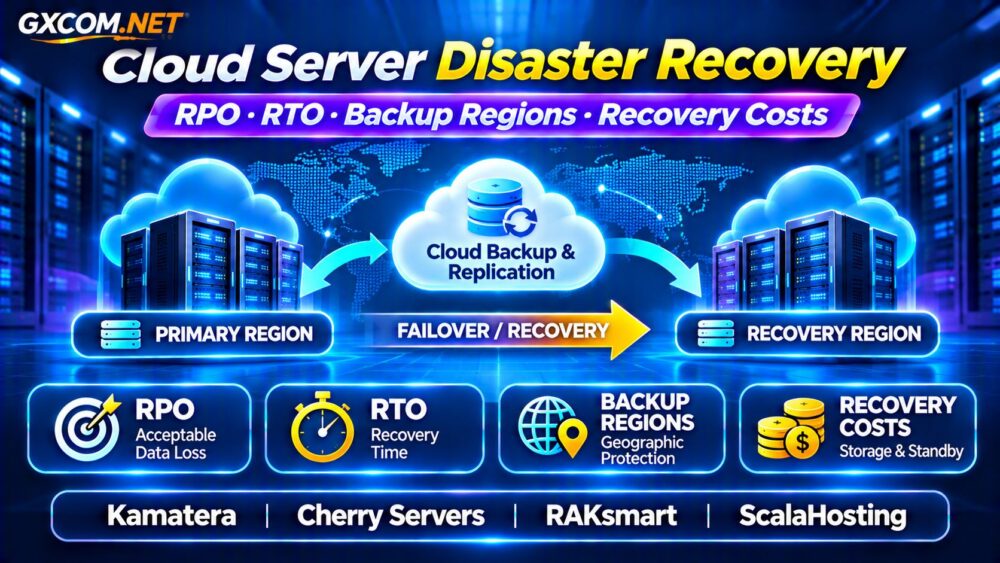
RPO defines the maximum acceptable period of data loss, measured backward from an incident. A 15-minute RPO means the recovery design should limit lost changes to approximately 15 minutes under its defined assumptions.
Meeting that target may require frequent backups, continuous replication, or transaction-log shipping. A backup taken once daily cannot normally satisfy a 15-minute RPO.
恢复时间目标(RTO)
RTO defines the target time to restore an application or business service after disruption. A two-hour RTO requires sufficient infrastructure, procedures, and personnel to complete recovery within that period.
Neither objective is automatically guaranteed by purchasing a cloud server. Both must be supported by tested technical and operational processes.
How to Choose Cloud Backup Regions
Backup location influences disaster resilience. Keeping every recovery copy in the same region as production may expose both environments to a regional incident.
Cross-region backups can reduce correlated infrastructure risk, but they introduce considerations involving transfer charges, storage costs, data residency, and restoration time.
Choose regions according to provider availability, regulatory requirements, network connectivity, and business continuity needs.
Separate geographic regions do not automatically provide independent administrative security. Protect backup accounts and credentials against compromise.
Cold, Warm and Hot Standby Compared
Disaster recovery architectures balance restoration speed against recurring infrastructure expenses.

| Strategy | Typical Setup | Cost Pattern |
|---|---|---|
| Cold standby | Backups and deployment instructions | Lower standby compute expense |
| Warm standby | Reduced-capacity recovery environment | Moderate recurring infrastructure |
| Hot standby | Continuously prepared secondary environment | Higher ongoing infrastructure |
Cold standby may suit workloads tolerating several hours of restoration. Warm standby can shorten recovery when properly configured, while hot standby may support faster transitions.
Actual recovery times depend on database synchronization, automation, DNS changes, application dependencies, and testing.
Backups, Snapshots and Replication
Snapshots capture storage state at particular points, while backup systems may provide additional retention, portability, and recovery controls.
Replication copies changes between systems, potentially improving recovery freshness. However, corruption or accidental deletion may also propagate to replicas.
A resilient strategy combines appropriately retained backups with replication where justified. For sensitive workloads, consider immutable or logically isolated backup copies.
我们的 VPS 快照备份与恢复指南 explains important protection and restoration principles.
Cloud Disaster Recovery Costs Explained
Recovery spending includes more than backup storage. Budget for secondary compute, storage capacity, cross-region transfers, replication, monitoring, and recovery testing.
Consider a hypothetical warm-standby deployment:
- Secondary cloud server: $35 monthly.
- Remote backup storage: $12 monthly.
- Replication and transfer allowance: $8 monthly.
- Monitoring and testing allowance: $15 monthly.
Illustrative total: $70 monthly, or $840 annually. These figures are budgeting assumptions, not live provider prices.
Actual recovery events may generate additional compute, data restoration, network, and administrative expenses. Calculate both normal standby costs and incident-related costs.
Four Infrastructure Providers to Evaluate
1. Kamatera: Configurable Cloud Recovery Resources
卡马特拉 is relevant for organizations evaluating configurable cloud servers and secondary deployment locations.
Review available regions, compute sizing, storage options, and backup arrangements. Confirm whether your required replication and failover procedures need third-party software or custom administration.
2. Cherry Servers: Dedicated Recovery Infrastructure
Cherry 服务器 can be considered when disaster recovery planning calls for dedicated compute resources or greater infrastructure control.
Compare location availability, storage redundancy, provisioning procedures, and the effort required to maintain a recovery environment.
3. RAKsmart: Alternative Cloud Infrastructure
RAKsmart is another candidate for comparing cloud server capacity and potential secondary infrastructure.
Verify the selected product’s location, backup capabilities, network connectivity, and management scope. Do not assume automated cross-region recovery is included.
4. ScalaHosting: Managed VPS Operations
ScalaHosting is relevant for businesses considering managed VPS resources and reduced routine server administration.
Examine backup retention, restoration assistance, support boundaries, and whether a separately deployed recovery server is necessary.
How to Test a Disaster Recovery Plan
A recovery plan should be tested rather than trusted solely because backups complete successfully.
Conduct controlled restoration exercises in an isolated environment. Measure database recovery, application startup, DNS updates, authentication, and external service connectivity.
Record the actual time required to restore operations and the age of recovered data. Compare these measurements against RTO and RPO targets.
Update procedures after infrastructure changes, application releases, or unsuccessful tests.
Five Ways to Reduce Recovery Spending
- Classify workloads by business impact instead of applying identical recovery targets everywhere.
- Use cold standby for applications that tolerate longer restoration times.
- Right-size warm standby servers and document scaling procedures.
- Review backup retention, storage tiers, and unnecessary duplicate copies.
- Automate deployment and recovery testing where practical.
Lower costs should not come at the expense of recoverability. Evaluate the financial impact of downtime before reducing protection.

常见问题解答
Is Cross-Region Backup Enough for Disaster Recovery?
No. Backups protect data, but complete recovery also requires application infrastructure, networking, credentials, configuration, and tested procedures.
Can a Cloud Provider Guarantee Zero Data Loss?
Zero-data-loss objectives require specialized architectures and carefully defined failure assumptions. Ordinary snapshots and asynchronous replication do not guarantee zero loss.
Does Managed Hosting Include Disaster Recovery?
Not necessarily. Management, backup, replication, and recovery commitments vary by service. Review our 托管云主机对比 有关采购方面的注意事项。.
最终裁决
Effective cloud server disaster recovery starts with realistic RPO and RTO targets, geographically appropriate backups, and a recovery environment matched to business risk.
Compare Kamatera, Cherry Servers, RAKsmart, ,以及 ScalaHosting according to verified deployment capabilities, management responsibilities, and complete recovery costs.
For revenue-critical applications, also review our Best Cloud Hosting for Business-Critical Applications before choosing infrastructure.