发现 Linux VPS deals with full root access is straightforward; choosing one that remains affordable and secure is harder. Root privileges let administrators install software, change services, configure firewalls, and automate deployments. They also transfer substantial responsibility to the server owner.
For developers, agencies, and growing websites, the best purchase balances operating-system compatibility, virtualization, technical support, and ongoing administration costs. This guide compares Vultr, Kamatera, AlphaVPS, ,以及 ScalaHosting without assuming that the lowest advertised monthly fee delivers the lowest total cost.
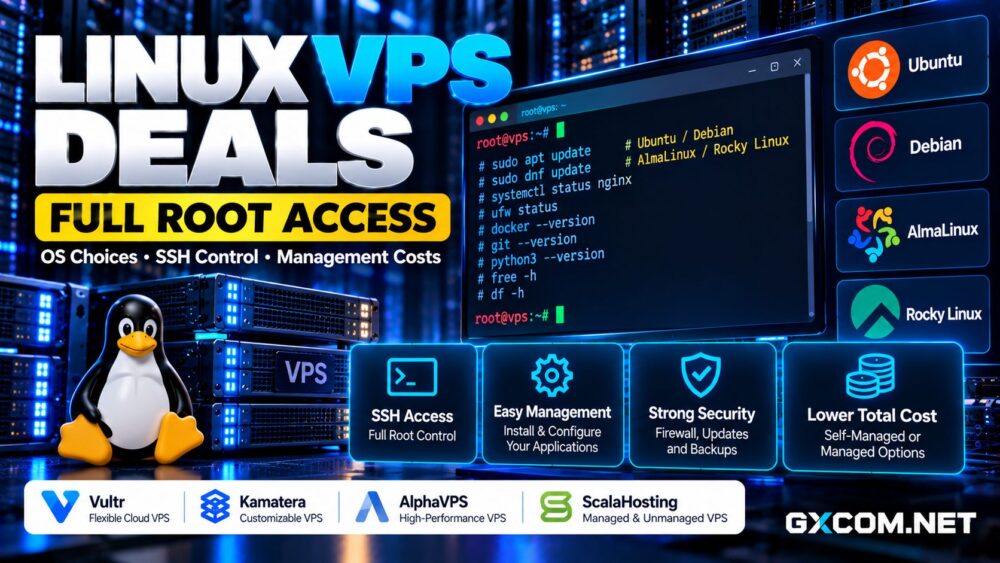
What Does Full Root Access Actually Mean?
On a Linux VPS, root is the privileged account that can administer the guest operating system. Providers commonly deliver access through SSH, an SSH key, or a temporary password. Many administrators use a regular account with sudo rather than logging in as root for everyday work.
Root access allows package installation, web-server configuration, scheduled jobs, user management, and custom security policies. It does not grant control over the provider’s physical host, hypervisor, upstream network, or account-level restrictions.
Before ordering, confirm whether you can install a custom kernel, upload an ISO, use snapshots, or access a recovery console. These capabilities vary by virtualization platform and plan.
Ubuntu, Debian, AlmaLinux, or Rocky Linux?
Ubuntu 服务器 is familiar to many developers and offers extensive documentation. Its LTS releases are often convenient for application stacks, Docker-based projects, and teams that prefer predictable maintenance cycles.
Debian emphasizes stability and a relatively conservative software environment. It is a sensible choice for lightweight services and administrators comfortable maintaining their own packages and configurations.
AlmaLinux 和 Rocky Linux are enterprise-oriented distributions in the Red Hat ecosystem. They can be useful when software, control panels, or internal processes expect that family of operating systems.
No distribution is universally fastest or cheapest. Choose a supported release compatible with your applications, panel, backup tools, and team’s skills. Check the provider’s image catalog before assuming a particular version is available.
Four Linux VPS Providers Worth Comparing
Vultr: Flexible Self-Managed Cloud Servers
Vultr offers cloud compute instances suitable for developers who want to control their Linux environment. Its deployment tools and multiple locations make it useful for staging environments, APIs, and production services.

Compare the actual CPU allocation, storage class, included transfer, and backup charges. A convenient control panel does not mean the provider administers your application or patches every installed package.
Vultr deserves consideration when infrastructure automation and geographic choice matter more than bundled system administration.
Kamatera: Configurable Linux Cloud VPS
卡马特拉 provides configurable cloud servers, allowing buyers to select resources according to workload requirements rather than relying solely on fixed packages.
This flexibility can help with memory-heavy applications or projects requiring unusual CPU-to-RAM ratios. However, customized configurations still need careful cost evaluation, including storage, network usage, and optional management services.
Confirm the supported Linux image, administrative access method, and whether technical assistance covers operating-system issues or only underlying infrastructure.
AlphaVPS: Linux VPS for Hands-On Administrators
AlphaVPS is worth evaluating for customers comfortable managing Linux servers themselves. A self-managed VPS can work well for web applications, monitoring tools, development environments, and lightweight services.
Inspect the exact plan’s virtualization technology, storage, network allowance, available locations, and reinstall options. Root access is most valuable when the provider also supplies reliable console or recovery access if SSH configuration fails.
For budget-sensitive deployments, compare AlphaVPS with our 便宜的VPS服务商指南 rather than judging offers by memory and disk size alone.
ScalaHosting: Compare Managed and Self-Managed Needs
ScalaHosting offers VPS hosting options aimed at different levels of administrative involvement. It is relevant for businesses deciding whether to operate Linux independently or pay for management assistance.
Review the exact product’s control-panel availability, root privileges, support scope, backup policy, and software compatibility. Management features can differ by plan, so avoid assuming every service includes identical permissions.
For WordPress agencies or small businesses without an administrator, the additional support may outweigh a lower self-managed server price.
Unmanaged vs Managed Linux VPS Costs
An unmanaged VPS generally leaves operating-system maintenance, application configuration, patching, firewall rules, and incident response to the customer. Managed plans may cover some of these tasks, but coverage differs substantially between providers.
Consider a hypothetical unmanaged VPS costing $12 monthly. If an administrator spends two hours each month maintaining it at an internal labor cost of $35 per hour, its effective monthly cost becomes $82 before backups and extras.
This is an illustrative calculation, not a supplier quote. A managed plan costing more upfront could still be better value if its support agreement covers the work your team actually needs.
我们的 托管型与非托管型主机对比 explains the broader trade-offs.
Security Responsibilities That Come with Root
Full administrative control increases flexibility but also makes configuration mistakes consequential. Prefer SSH keys, restrict unnecessary ports, disable password-based root login where practical, and keep the operating system and application packages updated.
Set up an appropriate firewall, separate service accounts, monitor authentication logs, and test recovery procedures. Provider snapshots are useful, but they should not replace independent, restorable backups.
For internet-facing workloads, document who responds to alerts and how quickly critical security updates are applied. A cheap VPS with no maintenance plan can become an expensive incident.
Performance, Storage, and Bandwidth Considerations
Root access cannot compensate for overloaded shared CPU resources, slow storage, or poor routing. Compare processor characteristics, RAM guarantees, NVMe performance, transfer allowances, and network quality.

Do not confuse a 1Gbps port with guaranteed international throughput or unlimited monthly traffic. Test application response times from the regions where your customers actually connect.
我们的 NVMe VPS 性能指南 helps explain when storage speed matters, while the 最佳VPS服务商对比 covers additional purchasing criteria.
How to Choose a Linux VPS Deal
Start with your application’s minimum CPU, RAM, disk, and distribution requirements. Next, determine whether your team can manage updates, monitoring, backups, and troubleshooting without external help.
Check renewal terms, support response expectations, migration options, and charges for snapshots or extra transfer. Test a small instance before moving critical workloads, especially when custom kernels or specialized networking are required.
For readers considering administrative assistance, our managed VPS with cPanel deals article provides another purchasing perspective.
最终裁决
Vultr suits developers prioritizing cloud flexibility, Kamatera offers granular resource choices, AlphaVPS deserves attention from hands-on administrators, and ScalaHosting is worth comparing when support requirements influence the decision.
最好的 Linux VPS with full root access is not simply the cheapest server. It is the plan that supports your operating system, provides dependable recovery tools, and keeps infrastructure plus administration costs predictable.