GXCOM WordPress 如何加快 WordPress 网站速度:完整的性能优化指南

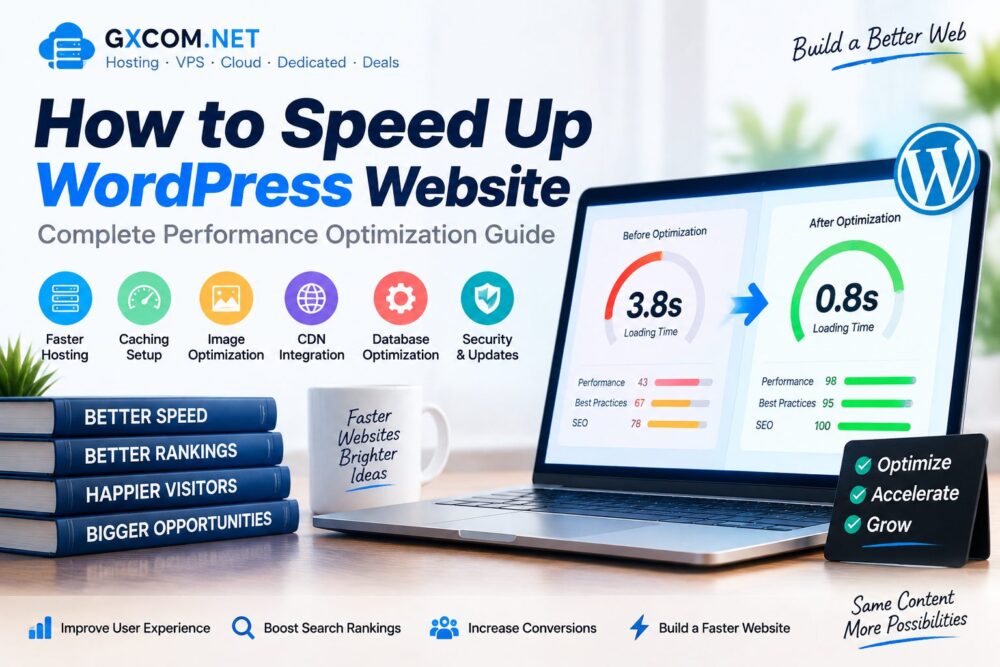
如何加快 WordPress 网站速度:完整的性能优化指南

Website speed is one of the most important factors affecting user experience, search visibility and online conversions. A slow WordPress website can increase bounce rates and reduce visitor engagement.

WordPress provides powerful features and thousands of plugins, but poor 托管 configuration, unoptimized images and excessive scripts can affect loading performance.

This guide explains how to speed up WordPress website performance through hosting improvements, caching, CDN configuration and technical optimization methods.

如何加快 WordPress 网站速度:完整的性能优化指南

Why WordPress Website Speed Matters

A faster WordPress website provides a better experience for visitors and helps websites handle more traffic efficiently.

Website speed affects:

  • 用户体验
  • 搜索引擎性能
  • Conversion rates
  • Mobile usability
  • Server resource usage

Common Reasons Why WordPress Websites Are Slow

Problem Impact
Slow Hosting Long server response time
Large Images Slower page loading
Too Many Plugins Higher resource usage
No Cache Repeated server processing
Poor Theme Optimization Extra scripts and files

1. Choose Faster WordPress Hosting

Hosting performance is the foundation of WordPress speed. A slow server can limit website performance even after other optimizations.

When choosing hosting, consider:

  • Server response time
  • SSD 或 NVMe 存储
  • PHP version support
  • 服务器位置
  • Resource availability

Users looking for hosting solutions can compare our 最佳网站托管服务 指南。.

2. Use a Lightweight WordPress Theme

A poorly optimized theme can add unnecessary scripts, stylesheets and database queries.

A fast WordPress theme should include:

  • Clean code structure
  • Minimal scripts
  • Mobile optimization
  • Compatibility with caching tools
  • 定期更新

3. Install a WordPress Caching Plugin

Caching reduces repeated processing by storing frequently accessed website resources.

Common caching methods include:

  • Page caching
  • Browser caching
  • Object caching
  • Database caching

Popular WordPress caching solutions can significantly improve loading speed when properly configured.

4. Optimize WordPress Images

Images are often one of the largest parts of a webpage. Large image files can slow down loading speed.

Image optimization methods include:

  • Compressing images
  • Using WebP format
  • Reducing unnecessary image sizes
  • Using responsive images
  • Adding lazy loading

5. Use a Content Delivery Network (CDN)

A CDN stores website resources across multiple locations and delivers content from servers closer to visitors.

CDN benefits include:

  • Faster global access
  • Reduced server load
  • Improved website availability
  • Better performance for international visitors

6. Optimize WordPress Database

Over time, WordPress databases can accumulate unnecessary data.

Database optimization can include:

  • Removing unused revisions
  • Cleaning temporary data
  • Optimizing database tables
  • Removing unused plugin data

7. Reduce WordPress Plugins

Plugins add functionality but too many plugins can increase website resource usage.

Best practices:

  • Remove unused plugins
  • Keep plugins updated
  • Choose lightweight alternatives
  • Avoid duplicate functionality

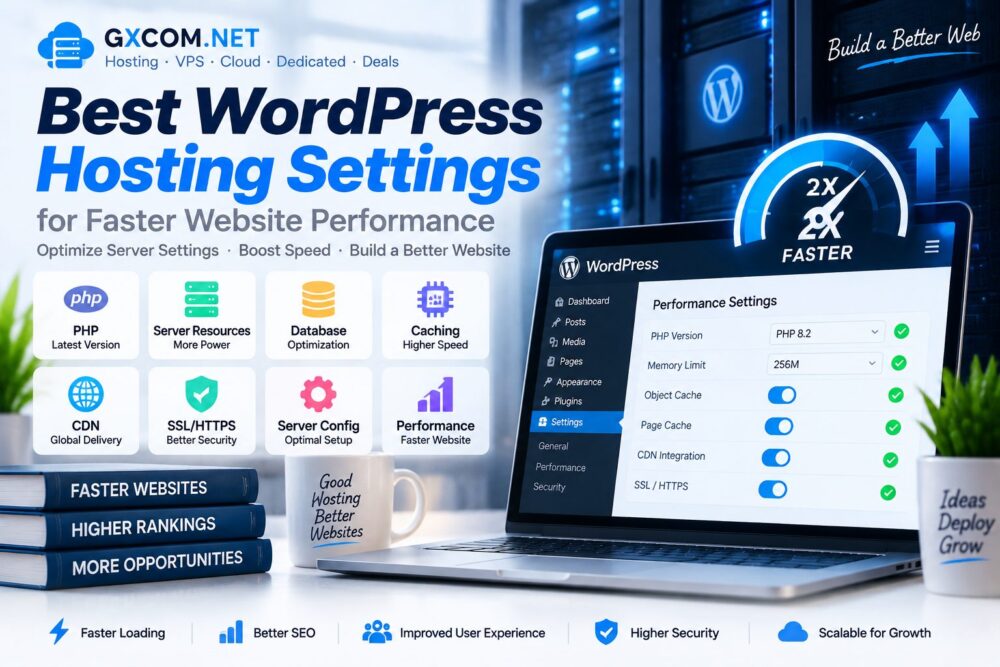
8. Upgrade PHP Version

Using an outdated PHP version can reduce WordPress performance and security.

Modern PHP versions usually provide:

  • Better processing speed
  • 安全性得到提升
  • Better WordPress compatibility

9. Enable HTTPS and SSL Optimization

HTTPS protects website communication and is an important part of modern website infrastructure.

SSL configuration can also affect website trust and browser performance.

10. Improve WordPress Performance With VPS Hosting

As websites grow, shared hosting resources may become insufficient.

VPS hosting provides:

  • 专用虚拟资源
  • More server control
  • 更好的可扩展性
  • Improved performance management

Growing websites can explore our 最佳VPS评测 for advanced hosting options.

WordPress Speed Optimization Checklist

优化 Status
Fast Hosting Recommended
Cache Enabled 必填
Images Optimized Recommended
CDN Enabled Recommended
Plugins Reviewed 必填

How To Test WordPress Website Speed

Website owners can use performance testing tools to analyze:

  • Loading time
  • Server response time
  • Core Web Vitals
  • Image optimization
  • Technical issues

WordPress Speed Optimization vs Changing Hosting

解决方案 最适合
优化 Existing websites needing improvements
Better Hosting Websites limited by server resources
VPS Upgrade 网站和应用程序的扩展

常见问题解答

How can I speed up my WordPress website?

You can improve WordPress speed by optimizing hosting, enabling caching, compressing images, using CDN services and reducing unnecessary plugins.

Does hosting affect WordPress speed?

Yes. Hosting infrastructure directly affects server response time, website stability and overall performance.

How fast should a WordPress website load?

A faster loading website generally provides a better user experience, especially for mobile visitors.

Can plugins slow down WordPress?

Yes. Poorly optimized or excessive plugins can increase resource usage and affect performance.

结语

Improving WordPress speed requires a combination of reliable hosting, technical optimization and regular maintenance.

The biggest performance improvements usually come from choosing suitable hosting, optimizing website resources and improving server configuration.

By following these WordPress optimization methods, website owners can create faster, more reliable and scalable websites.

© GXCOM.NET。本网站上的所有内容均代表我们团队的独立研究、编辑分析及原创见解。任何转载、引用或再发布均须注明原始来源,并附上原文链接。.https://www.gxcom.net/zh/how-to-speed-up-wordpress-website/
上一篇
如何加快 WordPress 网站速度:完整的性能优化指南

没有更多帖子了

发表评论

您的电子邮件地址不会被公开。必填项已用 * 标记

返回顶部