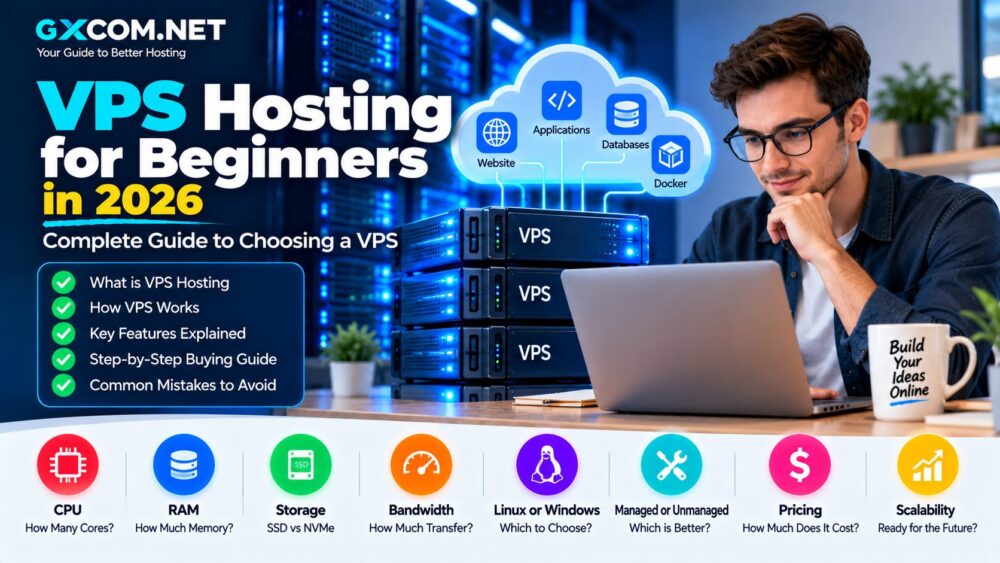
Moving from shared hosting to a VPS can feel complicated. Suddenly you need to think about CPU cores, RAM, NVMe storage, Linux distributions, root access, backups and whether the server should be managed or unmanaged.
The good news is that choosing your first VPS does not need to be difficult. This VPS 主机 for Beginners guide explains what a virtual private server is, how much it costs, which specifications matter and how to choose a VPS without paying for resources you do not need.
Whether you want to host WordPress, run an application, learn Linux or deploy a development environment, understanding a few basic VPS concepts can help you make a much better hosting decision.
什么是VPS主机?
VPS stands for Virtual Private Server. A physical server uses virtualization technology to create multiple isolated virtual machines.
Each VPS operates much like an independent server with its own allocated resources, operating system and configuration.
A typical VPS plan may include:
- 1–8 or more virtual CPU cores
- 1–32+ GB RAM
- SSD 或 NVMe 存储
- 每月数据传输
- One or more IP addresses
- Linux or Windows
- Root or administrator access
This gives you substantially more control than conventional shared hosting.
How Does a VPS Work?
A hosting provider runs powerful physical servers inside a data center. A virtualization layer divides the underlying hardware into virtual environments.
A simplified structure looks like this:
Physical Server
      ↓
Virtualization Layer
      ↓
VPS 1 | VPS 2 | VPS 3 | VPS 4
Each VPS behaves as an independent server even though multiple virtual machines may use the same underlying physical hardware.
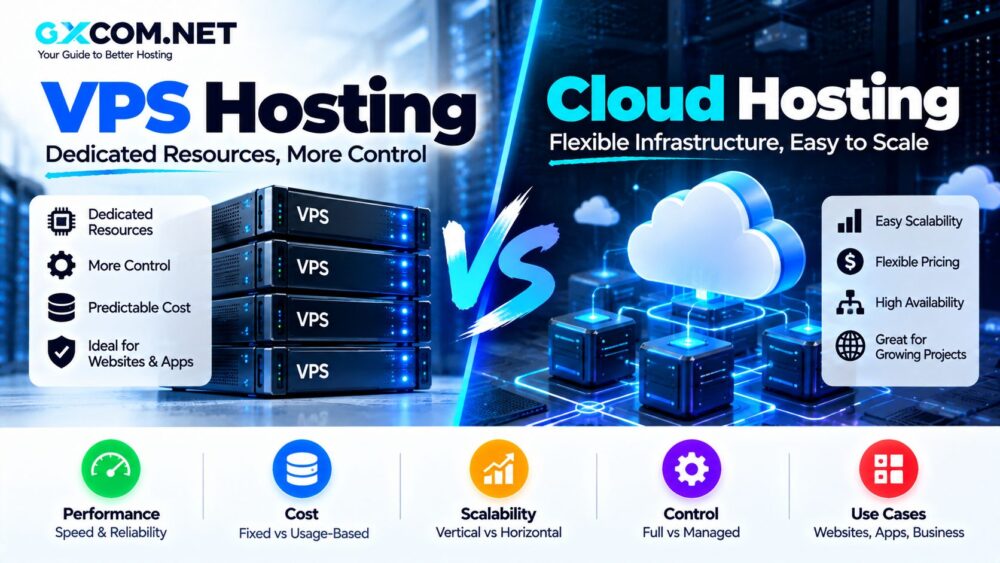
Modern cloud providers also use virtual machines extensively, which is why the distinction between VPS and cloud servers is sometimes blurred. If you want to understand that difference, see our VPS Hosting vs Cloud Hosting 比较。.
VPS 主机与共享主机对比
Shared hosting is usually designed for simplicity. The hosting company manages most of the server environment while many customers share the underlying infrastructure.
VPS hosting gives you a more isolated virtual environment and considerably greater configuration flexibility.
| 功能 | 共享主机 | VPS 主机 |
|---|---|---|
| 服务器控制 | 限量版 | 高 |
| root 权限 | 通常不 | 常见 |
| 资源配置 | 共享环境 | Defined VPS resources |
| Custom Software | 限量版 | Much more flexible |
| 技术技能 | 低 | 中度至重度 |
| 典型成本 | 较低 | 更高 |
A small website does not automatically need a VPS. Shared hosting can still be a practical choice when traffic is modest and server-level control is unnecessary.
When Do You Need a VPS?
There is no fixed traffic number at which every website should upgrade. Resource consumption depends on the software, database activity, caching and workload.
You should consider VPS hosting when you need:
- More RAM or CPU resources
- root权限
- 定制服务器软件
- Docker 容器
- 自定义防火墙规则
- Multiple development environments
- Greater hosting flexibility
- A private application server
A growing WordPress or ecommerce website may also benefit from VPS resources once conventional hosting becomes restrictive.
Understanding VPS CPU
CPU is one of the first specifications you will see when comparing VPS plans.
A plan might advertise:
2 vCPU
4 GB RAM
80 GB NVMe
4 TB Transfer
The term vCPU refers to virtual CPU resources assigned to the virtual machine.
However, two VPS plans with the same number of vCPUs can perform differently. Processor generation, clock speed, virtualization platform and whether the CPU is shared or dedicated all matter.
共享 CPU
Shared CPU instances share physical CPU resources with other virtual machines.
They can work well for:
- 小型网站
- 开发服务器
- 测试
- Low-traffic applications
- 个人项目
专用CPU
Dedicated CPU plans provide more predictable access to CPU resources and are better suited to sustained compute workloads.
They are often appropriate for:
- Busy databases
- 访问量大的网站
- 应用服务器
- 视频处理
- CPU-intensive software
How Much RAM Does Your VPS Need?
RAM is one of the easiest VPS specifications for beginners to understand, but buying more memory than necessary wastes money.
| RAM | Typical Beginner Use |
|---|---|
| 1 GB | Linux learning, lightweight services, testing |
| 2 GB | Small websites and simple applications |
| 4 GB | WordPress, multiple sites, development stacks |
| 8 GB及以上 | Growing websites, databases and heavier applications |
These are general starting points rather than strict requirements. A highly optimized application can use fewer resources, while a poorly optimized website can consume substantially more.
SSD vs NVMe VPS Storage
Most modern VPS services use SSD storage, while many newer plans advertise NVMe.
NVMe communicates over PCIe and can deliver higher storage performance than older SATA-based SSD technology.
This can matter for workloads involving frequent disk operations, including:
- 数据库
- WordPress
- Ecommerce
- Large application stacks
- 数据处理
However, storage technology is only one part of server performance. CPU, RAM, caching and application configuration remain important.
Linux VPS 与 Windows VPS 对比
Most entry-level VPS plans use Linux because it is widely supported and does not require a Windows Server license.
流行的 Linux 发行版包括:
- Ubuntu
- Debian
- AlmaLinux
- Rocky Linux
Ubuntu is often a practical choice for beginners because of its large documentation ecosystem and widespread software support.
Windows VPS is appropriate when you specifically need technologies such as Windows Server, Microsoft-specific applications, Remote Desktop environments or software that requires Windows.
托管型与非托管型VPS
This is one of the most important choices a beginner must make.
非托管型VPS
With an unmanaged VPS, the provider generally maintains the underlying infrastructure while you manage much of the operating system and software environment.
You may be responsible for:
- 服务器配置
- 安全更新
- 防火墙配置
- Web 服务器安装
- Database setup
- 备份
- 故障排除
Unmanaged VPS can be inexpensive and flexible, but it requires technical knowledge.
托管型VPS
A managed VPS includes additional server administration from the hosting provider.
The exact scope varies, but it may include operating-system maintenance, security patching, monitoring, migrations and troubleshooting.
Beginners running important production websites may prefer a Managed VPS Hosting Provider rather than learning server administration on a live business website.
2026年VPS主机多少钱?
Entry-level self-managed VPS services remain inexpensive in 2026. Current official pricing illustrates the range.
DigitalOcean Basic Droplets currently start at $4 per month for a 512 MiB / 1 vCPU instance, while the 1 GB / 1 vCPU configuration is $6 per month. Akamai Cloud's North American Shared CPU pricing currently starts at $5 per month for a 1 GB Nanode.
Website-oriented VPS providers can also offer introductory promotions. Hostinger, for example, currently advertises its entry KVM VPS at a discounted rate, although its renewal price is higher.
The headline price should never be your only consideration.
Additional costs can include:
- 备份
- 控制面板
- Extra bandwidth
- 其他 IP 地址
- 服务器管理
- 安全软件
What Is VPS Bandwidth?
VPS providers often include a monthly transfer allowance such as 1 TB, 4 TB or another specified amount.
This represents the amount of network data included with the server under the provider's billing rules.
For a normal website, the included allowance may be sufficient. Video delivery, large downloads and other bandwidth-heavy applications can consume significantly more.
Always check what happens after the allowance is exceeded. Some providers charge overage fees, while others apply different policies.
What Is Root Access?
Root is the highest administrative privilege on a Linux system.
Root access allows you to:
- 安装软件
- Modify system files
- Configure networking
- Create users
- 管理服务
- Change security settings
This flexibility is one of the main advantages of VPS hosting, but it also introduces responsibility. Incorrect commands can break the server or weaken its security.
Do Beginners Need a Control Panel?
A hosting control panel can make server administration easier by providing a graphical interface.
Common options include commercial panels such as cPanel and Plesk as well as provider-specific management interfaces.
Control panels can simplify:
- Website creation
- 电子邮件账户
- 数据库
- SSL证书
- DNS management
- File management
However, commercial control panels can add to the monthly cost of a VPS.
VPS Backups: Do Not Skip This Step
One of the biggest beginner mistakes is assuming that the hosting provider automatically keeps complete backups.
Backup policies vary significantly.
Before purchasing a VPS, check:
- Are automatic backups included?
- How frequently are backups created?
- How long are they retained?
- How are restores performed?
- Are snapshots the same as backups?
- What happens if the VPS is deleted?
Important websites should also maintain independent copies of critical data rather than relying exclusively on one hosting provider.
How to Choose Your First VPS
Step 1: Define the Workload
Decide what you actually want to host.
A Linux learning server requires very different resources from a WooCommerce store or production database.
Step 2: Estimate RAM
For many beginners, 2–4 GB is a more comfortable starting point for real websites than extremely small 512 MB or 1 GB plans.
Step 3: Choose the Operating System
If you do not have a Windows-specific requirement, Linux is generally the more economical option.
Step 4: Decide on Management
Choose unmanaged VPS if you want to learn server administration or already understand Linux.
Choose managed VPS when the website is important to your business and you do not want to maintain the server yourself.
Step 5: Check Server Locations
Select a data center reasonably close to your primary audience where latency matters.
Step 6: Check Backup Pricing
Include backup costs when comparing the real monthly price.
Step 7: Check Upgrade Options
Your first VPS should provide a practical path to more CPU, memory and storage as your project grows.
Popular VPS Providers for Beginners
There is no single provider that fits every beginner. Different platforms target different types of users.
| 服务提供商类型 | 适用对象 |
|---|---|
| Hostinger-style VPS | Website owners moving beyond shared hosting |
| DigitalOcean | Developers and cloud beginners |
| Vultr | Developers and global deployments |
| Akamai / Linode | Developers wanting straightforward cloud compute |
| 托管型VPS服务商 | Businesses without server administrators |
For a provider-by-provider comparison, see our 最佳VPS主机服务商 指南。.
Common VPS Mistakes Beginners Make
Choosing by Price Alone
A $4 VPS is not automatically better value than a $10 VPS. Compare resources, CPU type, storage, bandwidth and support.
Buying Too Much RAM
Do not purchase an oversized server simply because larger specifications look impressive. Upgrade when your workload requires it.
Ignoring Security Updates
An unmanaged VPS connected to the internet requires ongoing maintenance.
Running Everything as Root
Use appropriate user accounts and permissions rather than treating root access as the default for everyday tasks.
忽略备份
Snapshots and server availability are not substitutes for a proper backup strategy.
Choosing the Wrong Location
A cheap VPS on the other side of the world may introduce unnecessary latency for your primary audience.
Is VPS Hosting Good for WordPress Beginners?
It can be, but the answer depends on management.
A beginner should not move a revenue-generating WordPress site to an unmanaged VPS simply because the VPS appears faster or cheaper.
Server administration introduces security and maintenance responsibilities that managed WordPress hosting normally handles for you.
If the site has outgrown shared hosting but you lack Linux administration experience, a managed VPS can provide a more practical upgrade path.
Is Cheap VPS Hosting Worth It?
Low-cost VPS hosting can offer excellent value for learning, development, testing and lightweight applications.
It can also work well for experienced users who know how to configure and secure Linux servers themselves.
If price is your priority, compare our 廉价的非托管VPS options before purchasing.
VPS Hosting for Beginners: Final Checklist
Before ordering your first VPS, verify:
- CPU type and number of vCPUs
- 内存分配
- SSD 或 NVMe 存储
- Monthly transfer allowance
- 数据中心位置
- Linux or Windows
- 托管服务还是非托管服务
- 备份策略
- Control-panel cost
- 升级选项
- 续费价格
VPS Hosting for Beginners: Final Thoughts
VPS hosting gives you more control and flexibility than traditional shared hosting, but that freedom comes with additional technical responsibility.
For beginners, the most important decision is not finding the server with the largest specifications. It is matching the VPS to the workload.
Start by deciding whether you need managed or unmanaged hosting. Then compare CPU, RAM, NVMe storage, bandwidth, server location, backups and upgrade options.
A small VPS can be an inexpensive environment for learning Linux and deploying applications. A managed VPS can provide a safer path for an important business website. As your requirements increase, modern VPS and cloud platforms also provide clear routes toward larger servers and more scalable infrastructure.